In this article
- The pipeline at a glance
- 1. Brief and references: decide the rhythm before the pixels
- 2. The long prompt: every value, written down
- 3. Claude Code writes the Remotion project
- 4. Blender for the shots that need real 3D
- 5. Claude checks its own frames
- 6. The fix loop
- 7. Sound design, locked to the frame
- 8. Render and export
- The four pitfalls that cost us the most
- Where to go next
Claude Code writes the animation as code: a Remotion project for 2D, a Blender Python script for real 3D. It renders stills at chosen frames, reads them and fixes the code, adds synthesized sound locked to the same timeline, then renders with --color-space=bt709. All 30 films in our library went through these steps.
Motion design with Claude Code means Claude writes the animation as code (a Remotion project in React, plus a Blender Python script when a shot needs real 3D), renders it, looks at the frames and fixes them until they match the spec. This guide is the exact pipeline our studio uses, step by step, with the numbers and the pitfalls from the 30 films in our library.
No After Effects, no timeline dragging, no plugin. Every film below went through the same eight steps.
The pipeline at a glance
- Brief and references: the idea, the rhythm grid, the sound rules, the quality bar.
- The long prompt: every value the film needs, written down.
- Claude Code writes the Remotion project: React components, one per shot.
- Blender for real 3D: a Python script, rendered headless, composited in Remotion.
- Claude checks its own frames: stills at chosen frames, read as images.
- The fix loop: correct, re-render the stills, repeat.
- Sound design: synthesized effects locked to the same timeline.
- Render and export: colour space, formats, safe zones.
1. Brief and references: decide the rhythm before the pixels
Our series briefs run between 424 and 1,886 words. They are not scripts: they set the rules every film of the series must follow, and Claude reads them before writing a line.
The most useful rule is the grid. Our second series was built at 120 BPM: one beat is 30 frames at 60 fps, an eighth note 15, a sixteenth alternates 7 and 8. Every cut, impact and pop lands on that grid, and the timing lives in a single timeline.json that both the video and the sound script read. That's why picture and sound stay locked to the frame without anyone nudging them by hand.
The rest of the brief is constraints: the brand's exact colours, its real logo (we pull the official glyph from the simple-icons package, never redrawn by hand), no music, no giant logo watermark in the background, and a written list of what reads cheap. That last list came from experience, which we cover in why AI video looks fake.
2. The long prompt: every value, written down
The prompts in our library are long on purpose: 12,331 to 26,016 words in English (12,774 to 27,907 for the French originals). A short prompt leaves Claude to guess, and guesses are what make motion look generic. A long one leaves nothing to guess.
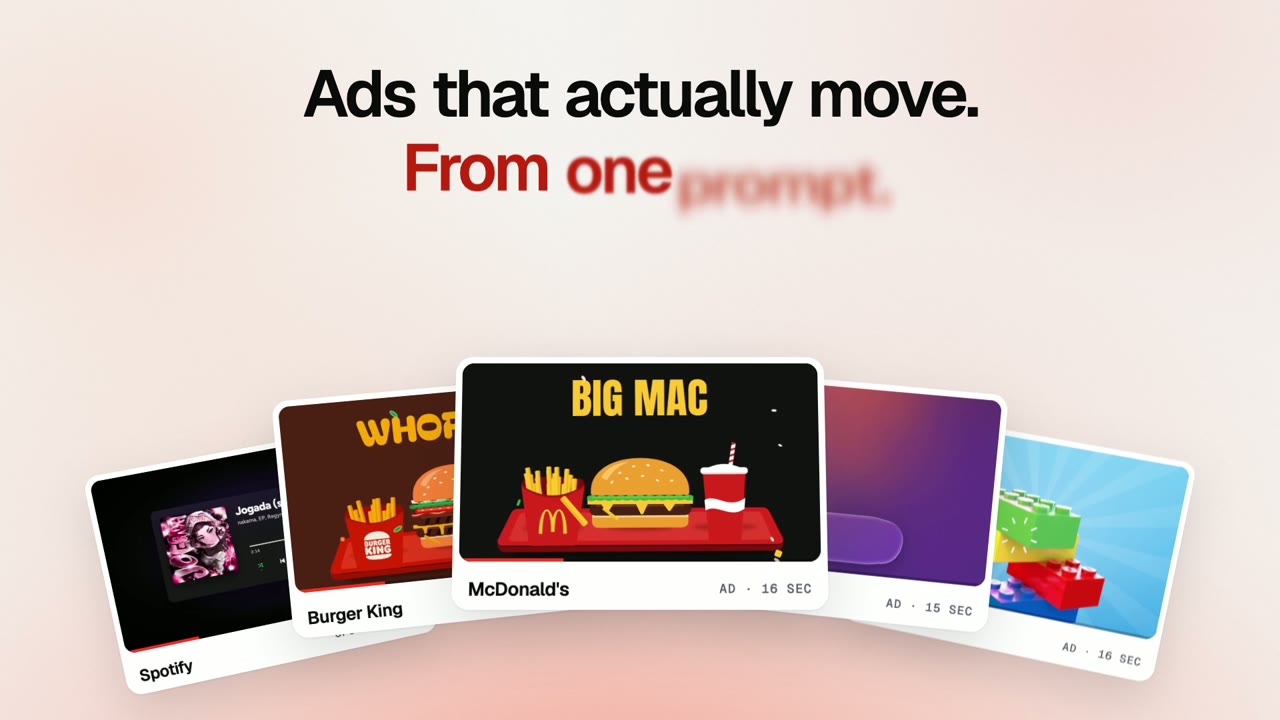
Our McDonald's prompt (15,453 words in English) is organised like this: instructions for Claude, what you're building, setup, design system (palette, type scale, easing curves, springs, grid), a single timing table, the drawn objects, the root composition and camera, every shot frame by frame, sound, render, a mandatory self-check, and how to adapt it to your brand. It opens with a rule we put in every prompt:
**Golden rule: reproduce exactly, do not improvise.**
- Every number in this document is a production value. Do not round it, do not “improve” it, do not replace a curve with another one that “looks the same”.
One honest precision: a library prompt is written from the code of a finished film, then tested blind. For a brand-new film, the brief is shorter and the spec grows over the review rounds. The structure of a full prompt is broken down section by section in anatomy of a motion design prompt.
3. Claude Code writes the Remotion project
Remotion renders React components frame by frame: the component receives the current frame number and returns what the screen looks like at that instant. That model suits Claude perfectly, because an animation becomes a function of time with exact numbers instead of keyframes dragged by hand.
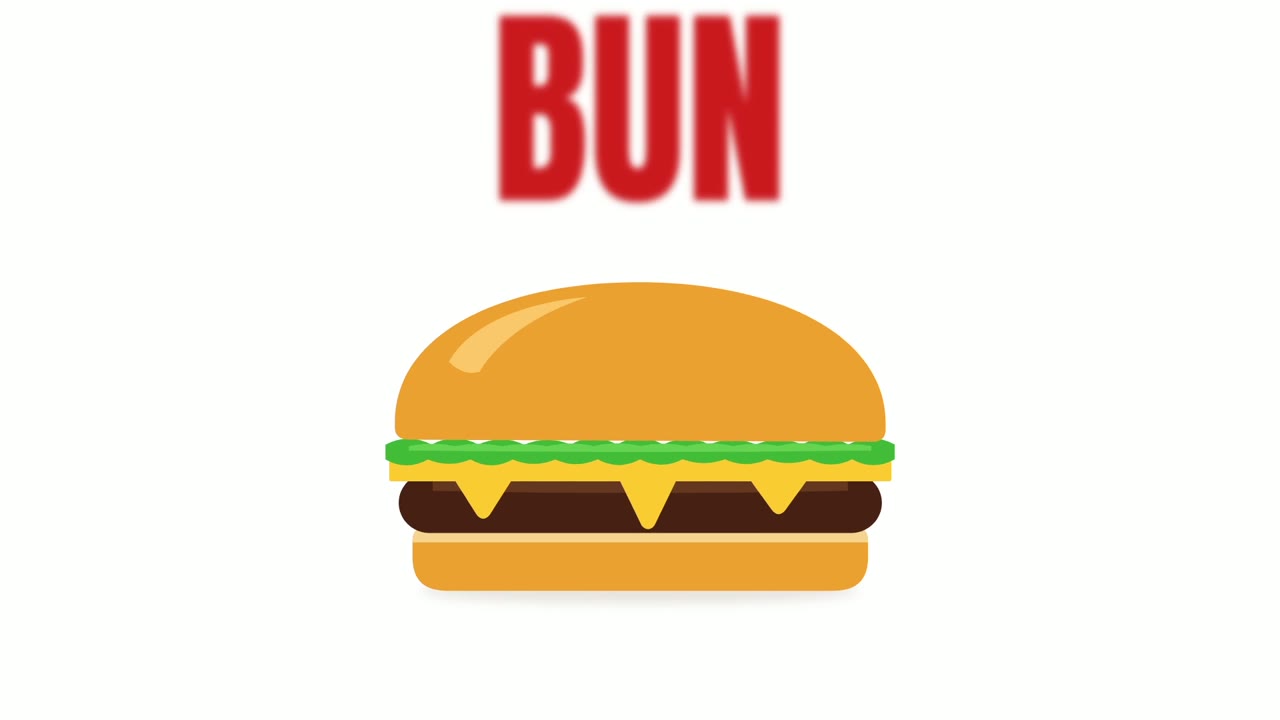
For McDonald's, that's a 1,246-line main component, a 218-line library of drawn objects (burger in 5 layers, fries, cup, tray, receipt, pager) and shared helpers for easing curves, springs and a deterministic random function, so the "random" fries fall the same way on every render. The composition is 1920 × 1080, 60 fps, 870 frames.
Commands, versions and project layout are detailed in Claude Code + Remotion. We pin our versions: our films were rendered with Remotion 4.0.532 and React 19.3.0.
4. Blender for the shots that need real 3D
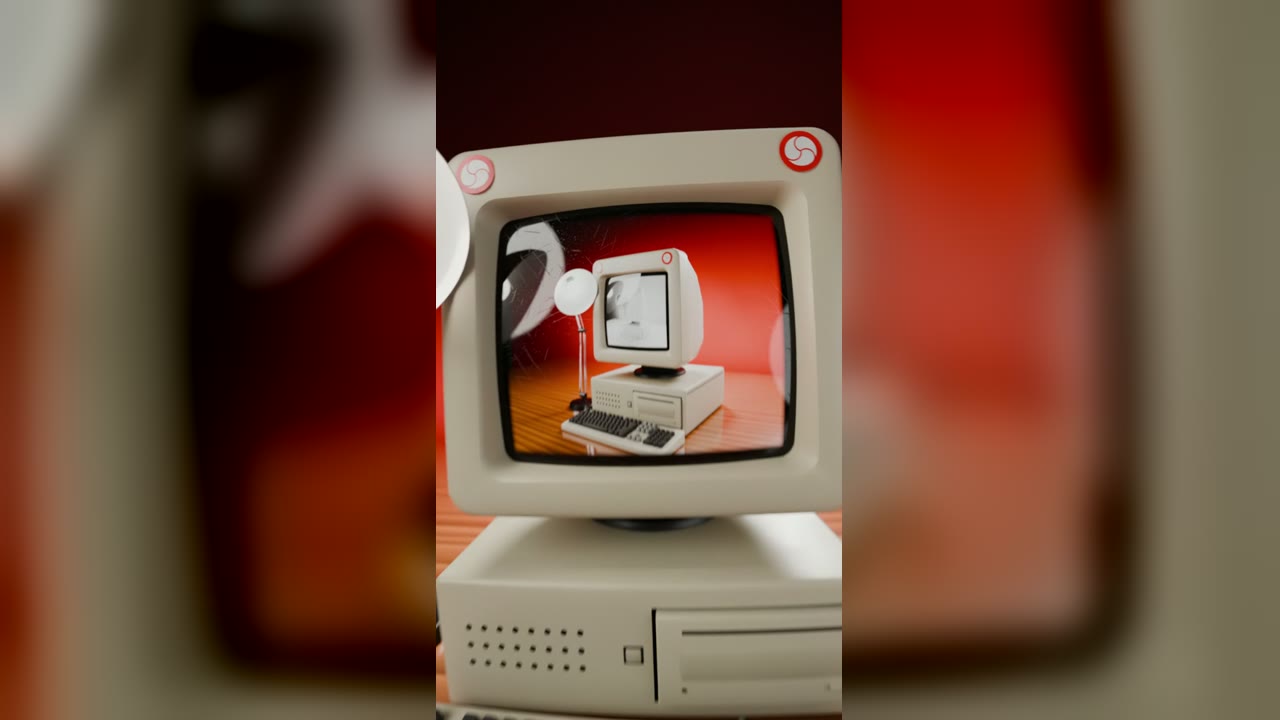
When a shot needs real light (a phone with reflections, glass that shatters, a desk lit by a lamp), Claude writes a Python script for Blender and runs it without the interface. Film 107 is entirely that: loop107.py, 2,217 lines that build the retro desk, animate the camera and render 199 frames in Cycles.
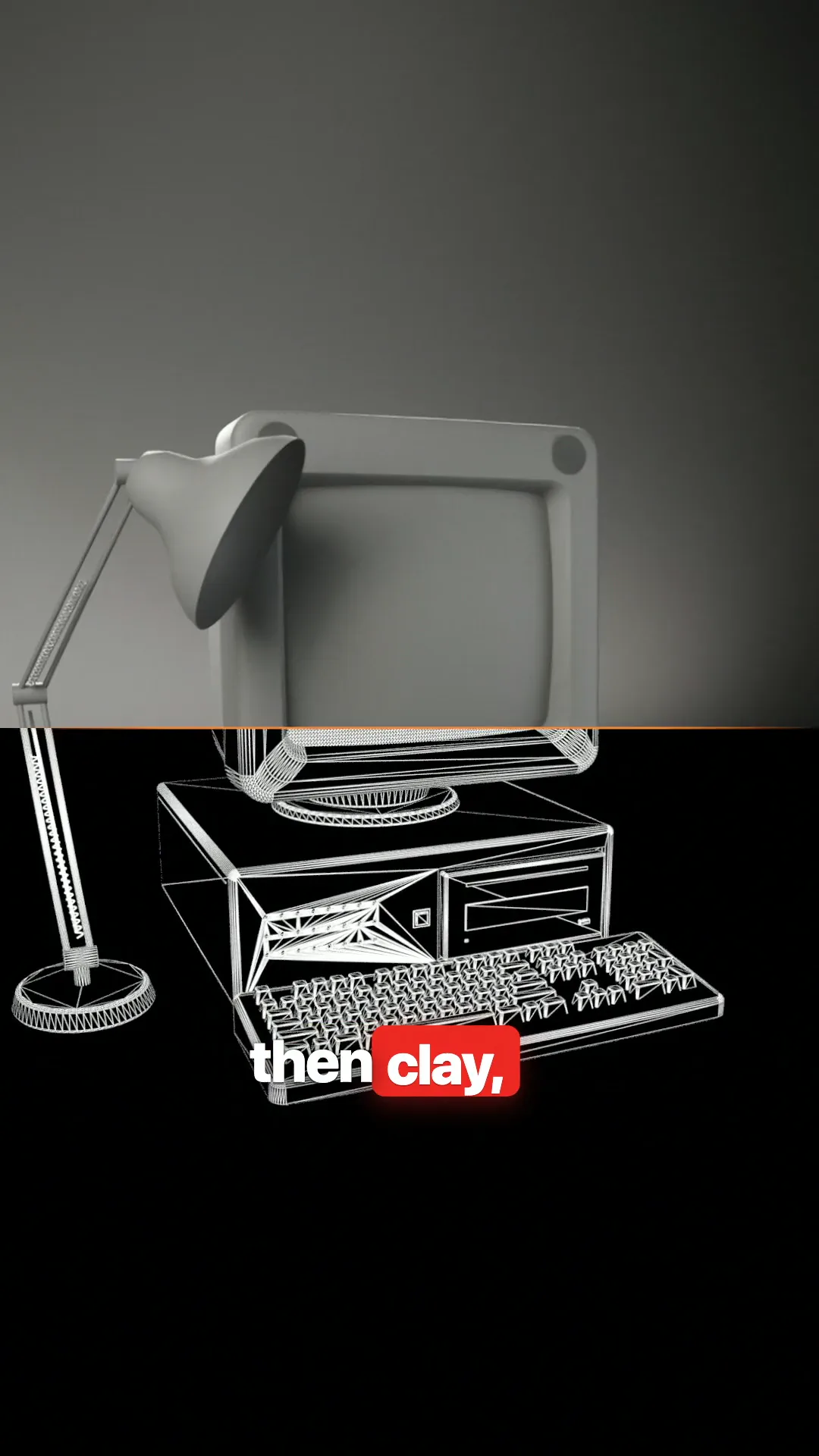
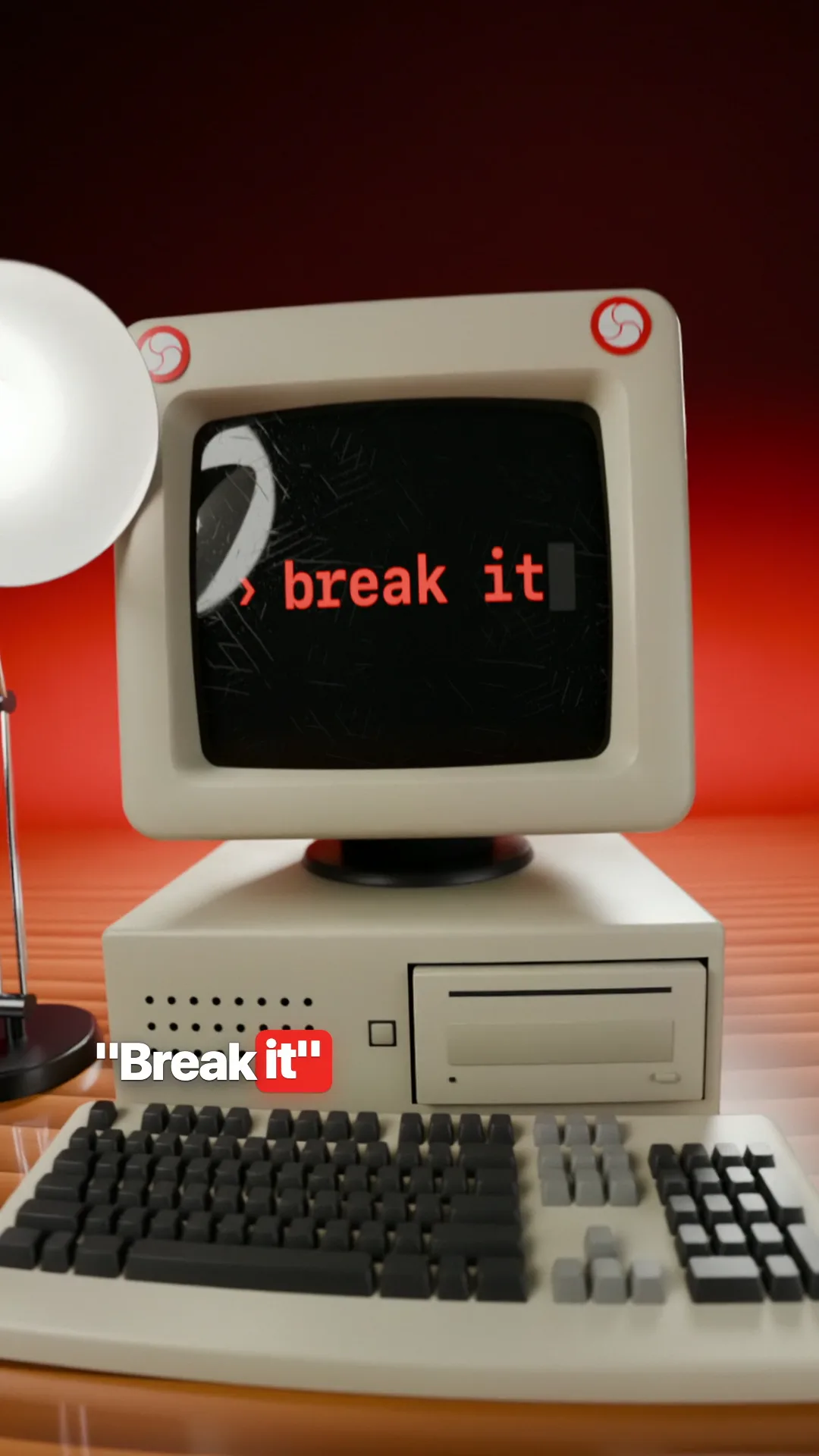
Most of the time, 3D and 2D are mixed. Blender renders an image sequence, and Remotion composites it with the vector parts. Our Duolingo concept uses 120 transparent frames of a 3D chest rendered in Blender; our reel 94 renders an iPhone in Cycles with our Instagram profile mapped on its screen as an emissive texture, then adds the kinetic type in Remotion.
The full Blender side (scripts, samples, render times) is in Claude Code + Blender.
5. Claude checks its own frames
This is the step that separates a usable film from a broken one. Claude can't watch a video: Anthropic's documentation says that for animated images only the first frame is used. So we make it look at stills, at frames we choose, before any full render. Each prompt ends with a mandatory self-check. Here is how it starts for McDonald's:
Render these frames with `npx remotion still src/index.ts McDonaldsEN out/still_<N>.png --frame=<N> --image-format=png --color-space=bt709`, open each one and check the description. Fix any difference before going on.Then come 28 frames, each with what must be on screen at that exact frame, spot colours that must match within ±2 per channel, and an ffprobe check that the file has exactly 870 frames. A still takes about a second to render on our machine, so checking 28 of them costs nothing compared with a bad full render.
Two habits made our checks much better. First, we review with a fresh agent that didn't write the code: on our making-of 108, a fresh review found 5 real defects after our own review had passed it. Second, we compare numbers, not impressions: our parity.py script measures the difference between two renders frame by frame, which is how we know a blind rebuild matches.
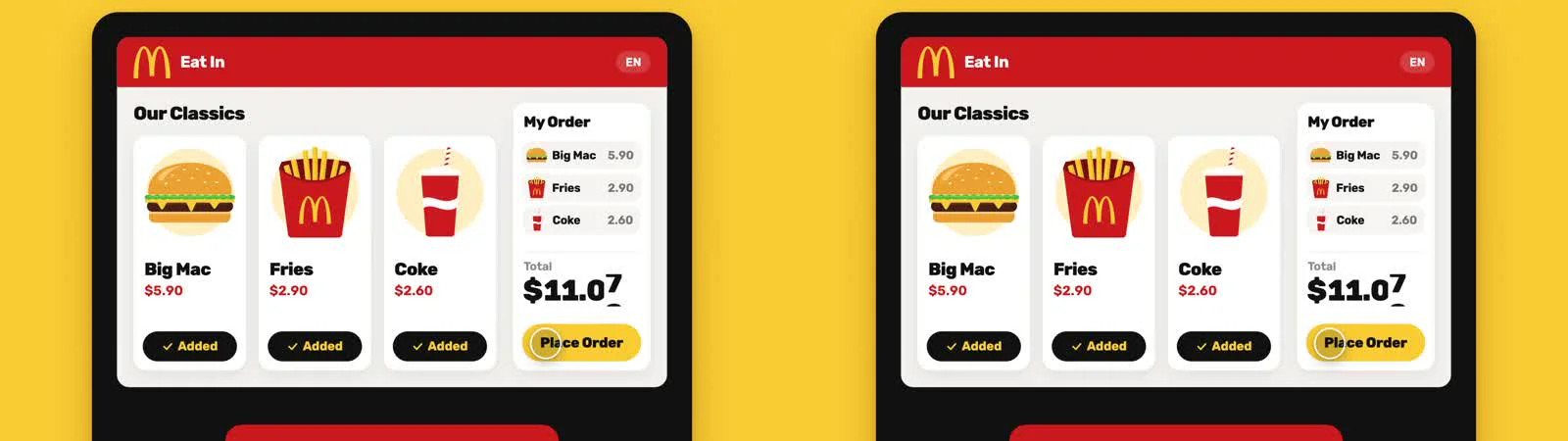
 The prompt behind this filmMcDonald's · Come as you are.15,453 words, ready for ClaudeSee the prompt
6. The fix loop
Every film goes through rounds: render stills, read them, fix, render again. What matters is how specific the fixes are. Three real examples from our notes:
- Too subtle to see. In tutorial 89, the faulty title was supposed to overflow the card. At 72 px it didn't read; we pushed it to 150 px on the widest line.
- One frame late. Our reel 94 was built at 60 fps and delivered at 30. Frame r of the 30 fps film fell on master frame 2r, where an entrance animation was still at 0, so each line of text appeared one frame late. Fix: every entrance starts one master frame earlier (
LEAD = 1). - Safe zones. The second version of our making-of 95 had text in three places Instagram covers: the hook too high, a code chip in the header, a subtitle in the button column.
On the 94 reel, independent reviews scored the film 6, then 7, then 7.5 out of 10, with a list of fixes after each. That's the real rhythm: not one prompt and done, but a loop with a clear target.
7. Sound design, locked to the frame
None of our 23 brand concepts has music. The soundtrack is 100% sound effects, synthesized in Python and placed on the same timeline as the picture. Our sound library sfxlib.py returns each sound as a numpy array at 48 kHz, and a mixer places it at a frame (usage from its docstring, comments translated):
TL = json.load(open(studio("src/videos/<name>/timeline.json")))
mx = Mixer(TL["dur"] / 60, prefix="<name>")       # duration in seconds
mx.place("ui", key(), fr(12), 0.6, name="key")    # fr(frame) → seconds
mx.place("fx", whoosh(0.3), fr(120) - 0.15, 0.4, send=0.1, name="whoosh")
For McDonald's, that's 142 placed sounds over 14.5 seconds, each material with its own sound: kiosk glass, thermal paper, cardboard, plastic, soft bun, crunchy lettuce, ice cubes. And one deliberate silence from 9.010 s to 9.880 s, where only the pager and the suction of the drop exist.
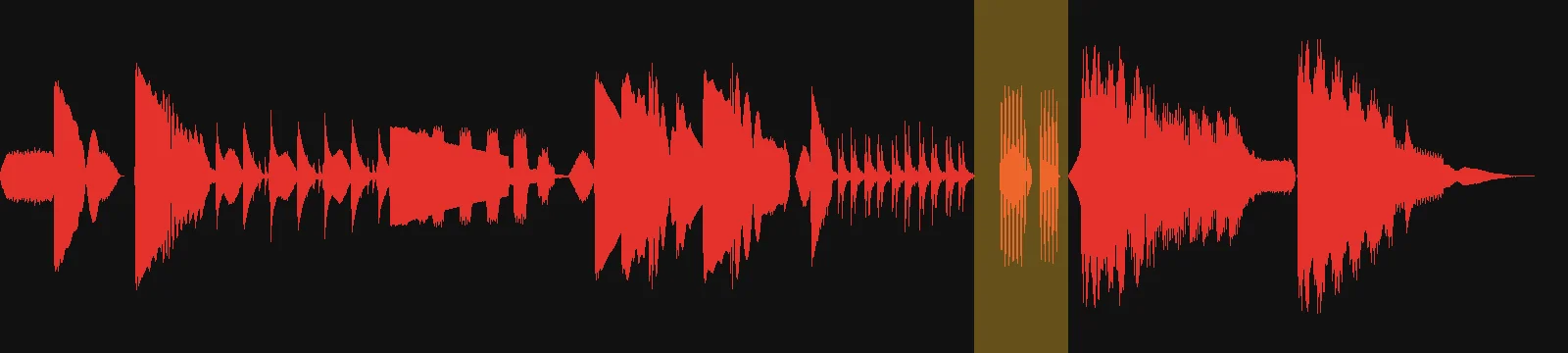
Claude can't listen, so it checks sound the same way it checks picture: it renders a waveform and a spectrogram as images and reads them, and it measures loudness. Our recent films measure between −16.0 and −17.2 LUFS.
8. Render and export
The final render is one command. Here is the one from the McDonald's prompt:
npx remotion render src/index.ts McDonaldsEN out/15_McDonalds_EN.mp4 \
  --codec=h264 --crf=10 --x264-preset=slow --image-format=png \
  --color-space=bt709 --audio-codec=aac --audio-bitrate=320k --concurrency=3
--image-format=png avoids JPEG artefacts on flat colours. --color-space=bt709 is the one you can't skip (see the pitfalls below). Formats: 28 of our 30 library films are 16:9 at 60 fps; the two vertical ones are the reel 94 (1080 × 1920, 30 fps) and the loop 107 (1080 × 1920, 24 fps).
For vertical films posted to Reels, we use a safe zone measured on an Instagram Reels template: nothing important above y 240 or below y 1520, 60 px of margin on the sides, and no text or key UI where x > 890 and y > 1150, which is the button column.
The four pitfalls that cost us the most
Where to go next
If you're still wondering whether this works at all, start with can Claude make videos?. If you want to run the pipeline on a real film today, the McDonald's prompt is our 2D reference, the 200 followers reel covers Blender plus Remotion, and the make your brand move prompt is pure kinetic type. Plans are on the pricing page, and the Academy walks through every step above from zero.