In this article
Yes, but Claude never paints pixels itself: it writes the code (Remotion for 2D, Blender Python for 3D) that renders every frame, then checks stills and fixes them. It excels at UI, kinetic type, motion design and real 3D renders. It can't film real people.
Yes, Claude can make videos, but not the way a text-to-video model does: Claude never paints a single pixel. It writes the code that renders every frame (React for Remotion, Python for Blender), runs the render, then looks at the frames and fixes what's wrong.
That's how our studio has made more than 100 films, including the 30 in our prompt library. Below is what that means in practice, what it does brilliantly, where it still struggles, and the real numbers from our files.
What Claude actually does when you ask for a video
Anthropic's own documentation is blunt about it: Claude is an image understanding model, and it cannot generate or edit images. It reads JPEG, PNG, GIF and WebP, and for animated images only the first frame is used. So there is no "export MP4" button inside Claude.
What Claude does have, through Claude Code, is a terminal. It can create files, install packages, run commands and open the images those commands produce. That's enough to make a film:
- Claude writes a video project: React components in Remotion for 2D, a Python script for Blender when a shot needs real 3D.
- It renders single frames (stills) and opens them as images to check them.
- It fixes the code, renders again, and only then renders the full film.
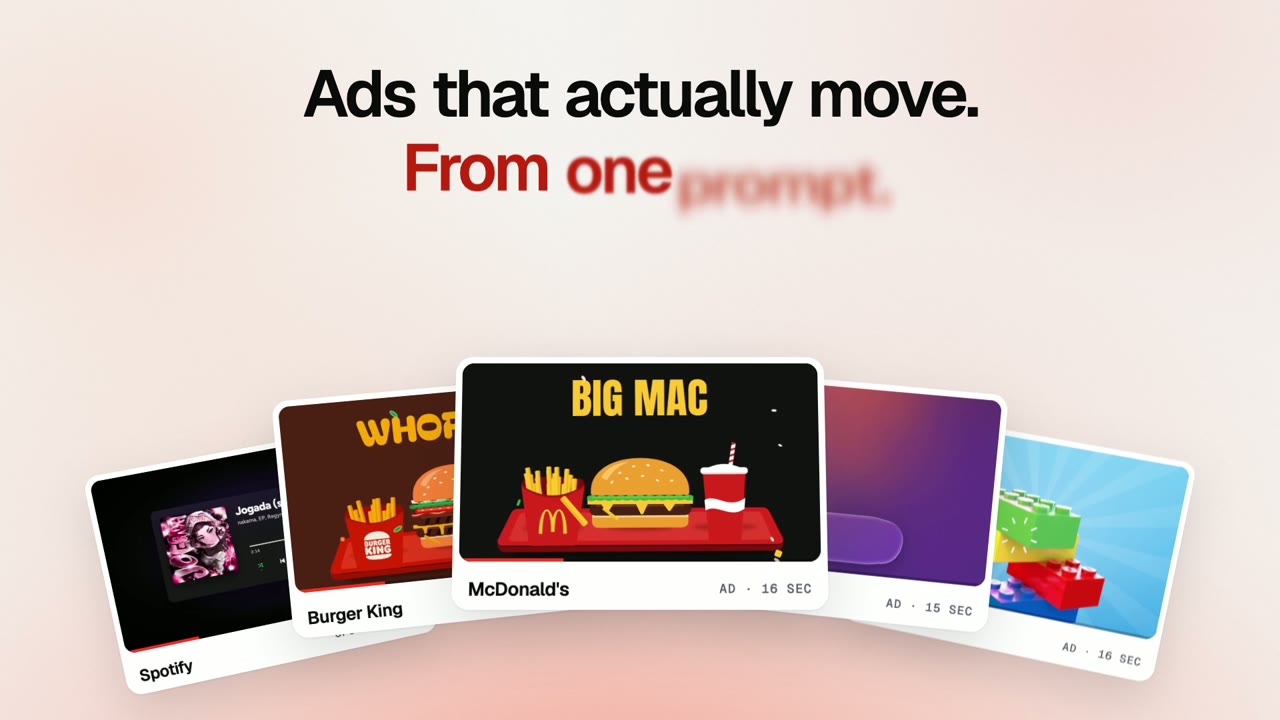
Our McDonald's film is a good example of the scale. The main component is 1,246 lines of TypeScript, plus a 218-line library of drawn objects (burger, fries, cup, tray) and a 121-line timeline.json that both the picture and the sound script read. Nothing in it is a pasted video or a stock animation.
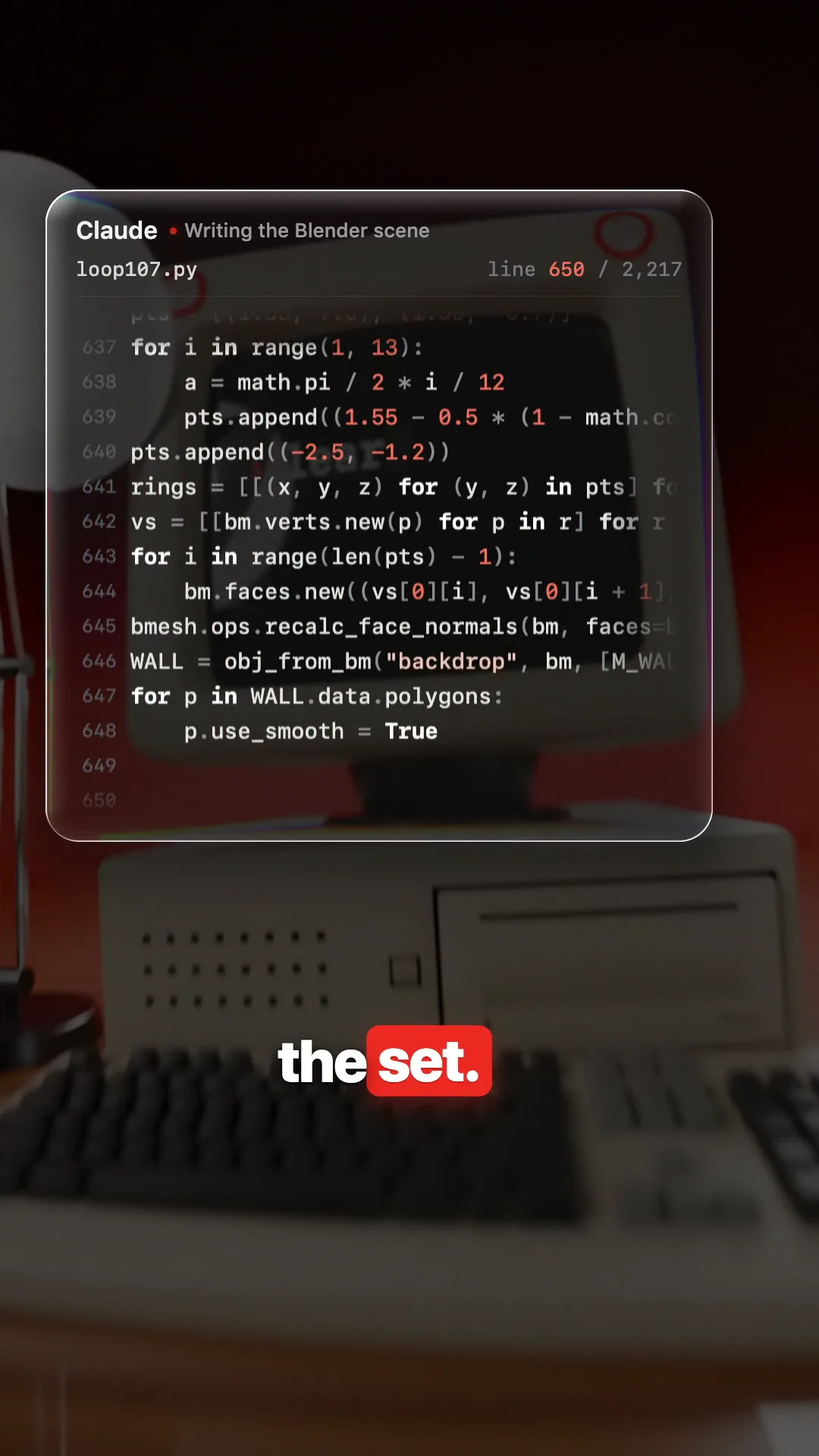
loop107.py, the 2,217-line Blender script that builds and animates the whole 3D set of film 107.The proof: five kinds of motion, five films
"Claude can make videos" means very different things depending on the style. Here is one film per category from our library, with the numbers from each film's meta.json.
Interface animation: PayPal
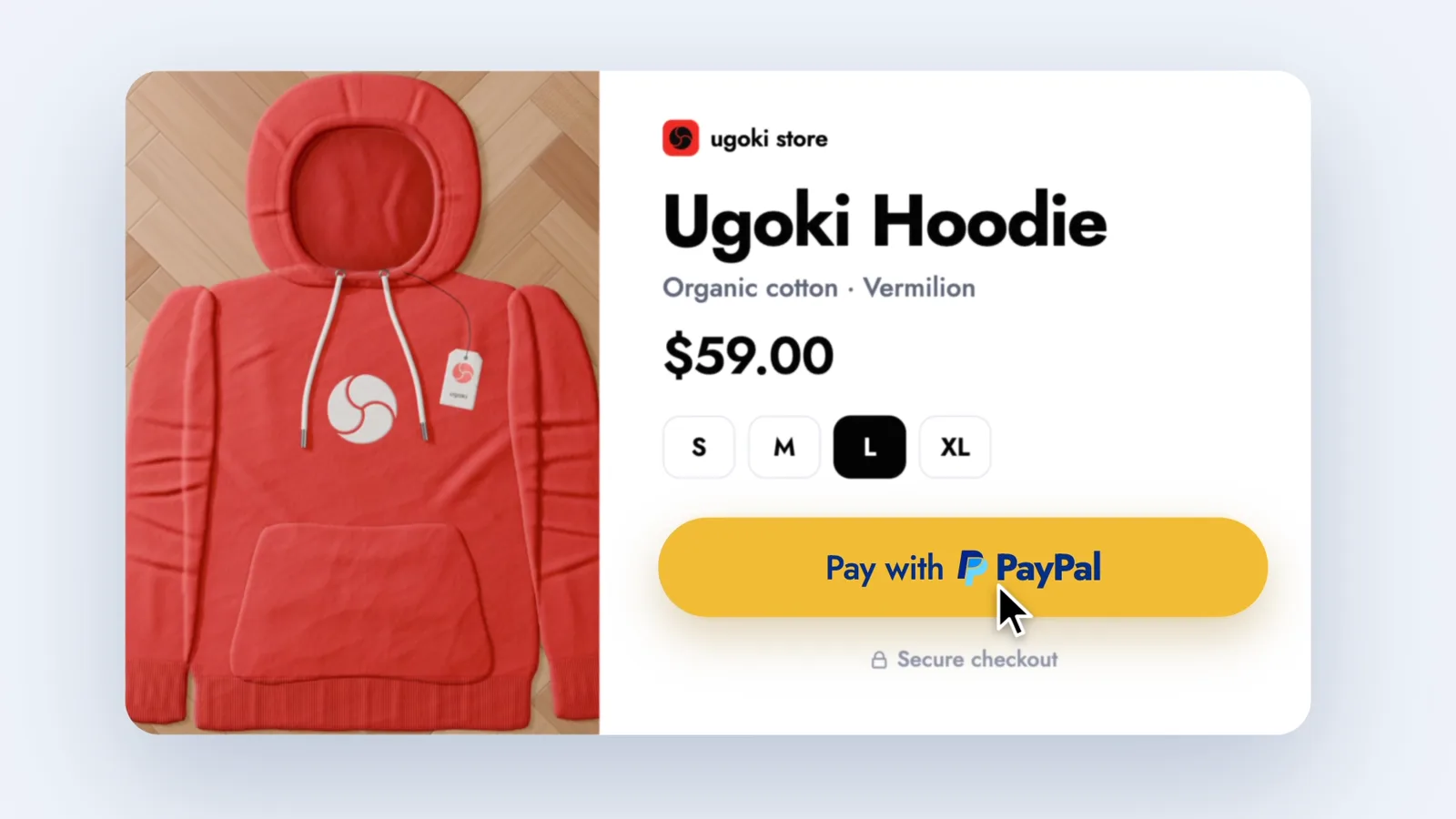
UI is where code wins outright. Every screen in our PayPal concept (the iMessage thread, the Send screen, the checkout, the grid of "Paid." tiles) is built as real interface code, so text stays sharp at any zoom and the cursor lands on the exact pixel. The film runs 1,020 frames, 17 seconds at 60 fps. Sixteen of our 30 library films are in this category.
Kinetic typography: "make your brand move"
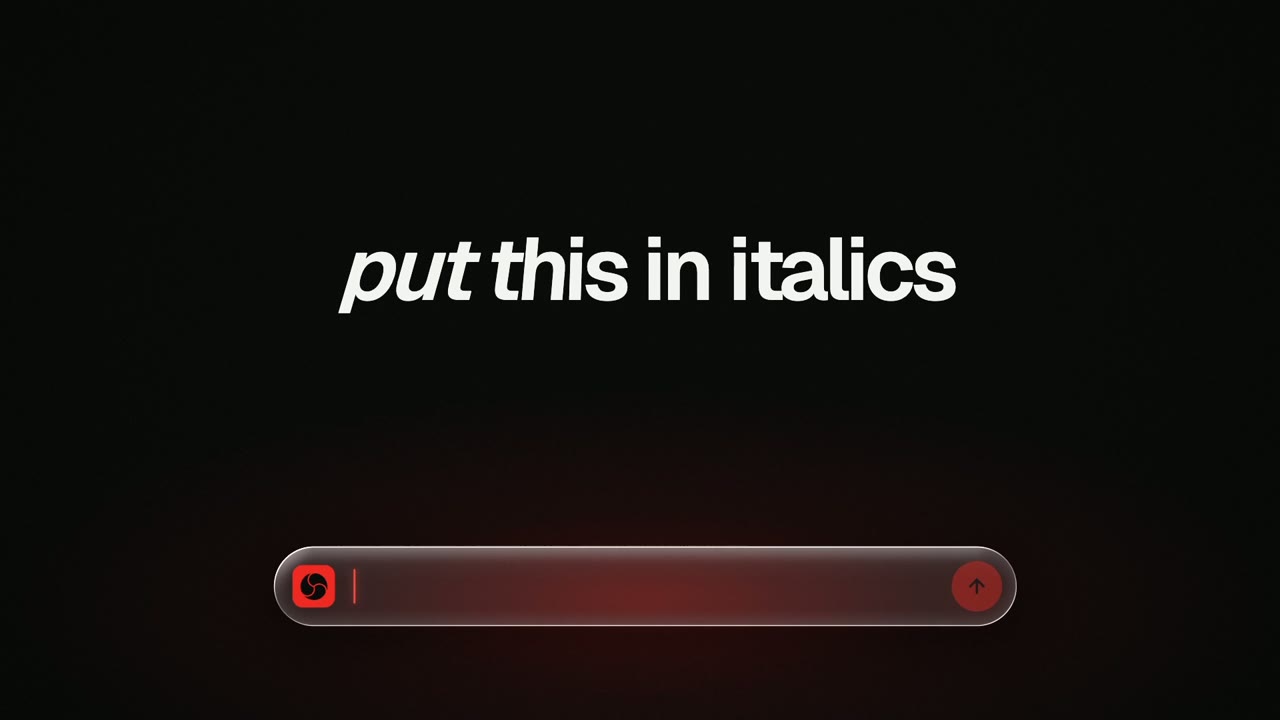
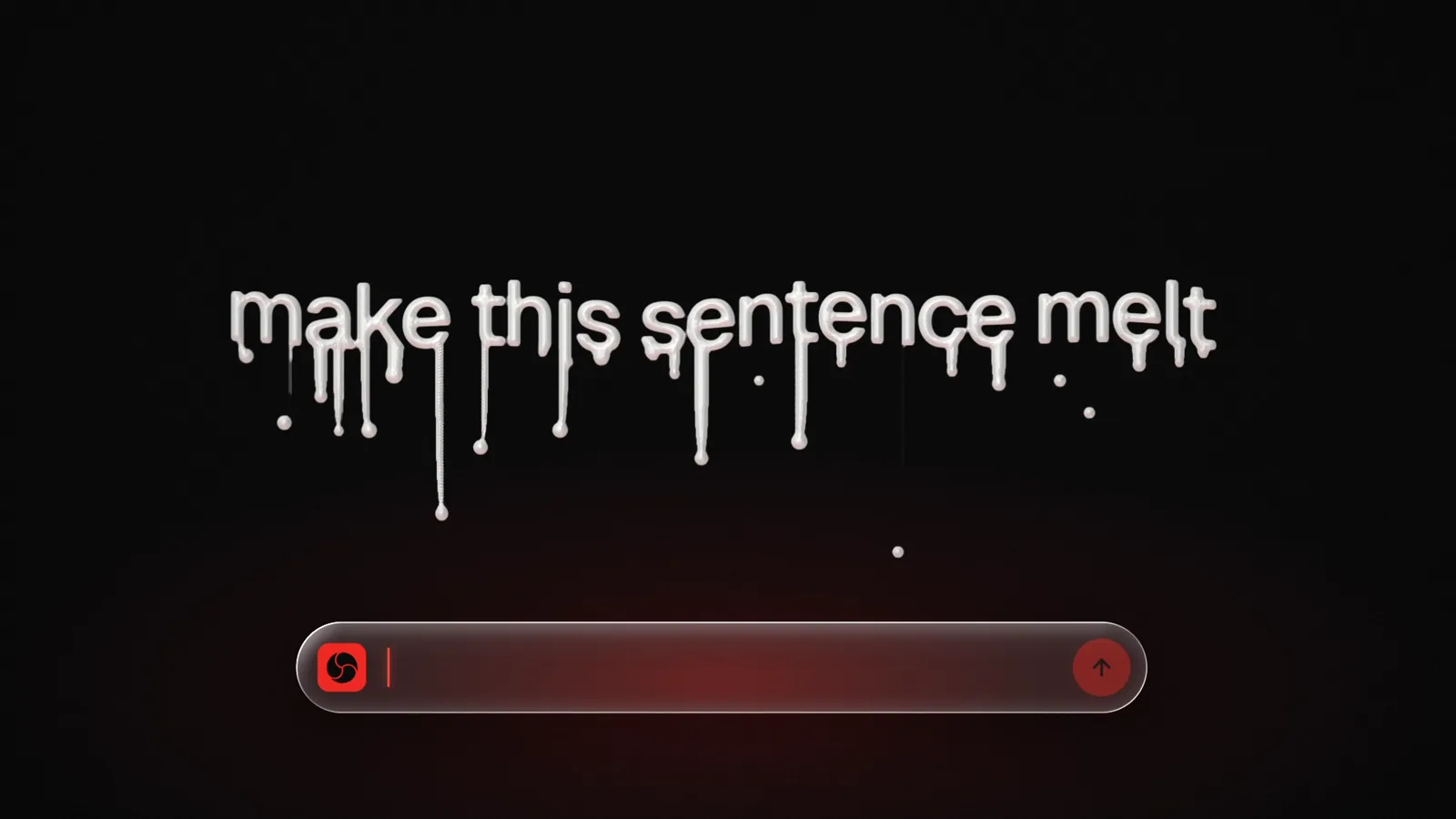
In film 38, every phrase typed into a glass prompt bar does what it says: the word bounces, the sentence melts, the title explodes into glass shards. Type is code, so a melt is a shader and a bounce is a spring with exact values. The prompt to rebuild it is 23,630 words in English (25,907 in French).
Character animation: Red Bull
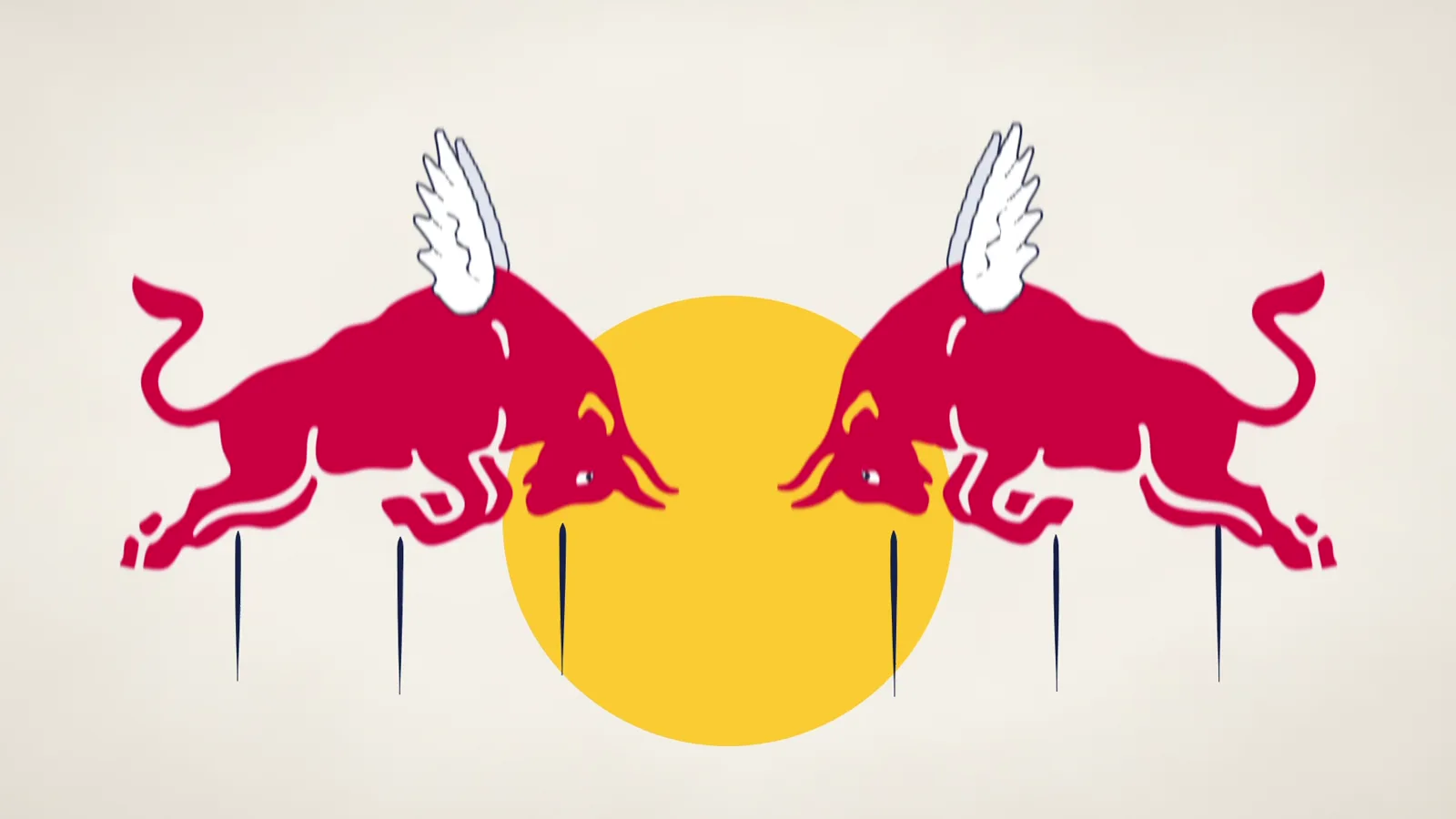
Our Red Bull concept turns the two bulls of the logo into an ink cartoon: they charge, BONK, rewind, grow wings and BONK again in mid-air. The bulls are rigged shapes driven by code, over 990 frames. It's the closest we get to classic cel animation, and it works because the characters are graphic, not realistic.
Real 3D: the Ugoki reel
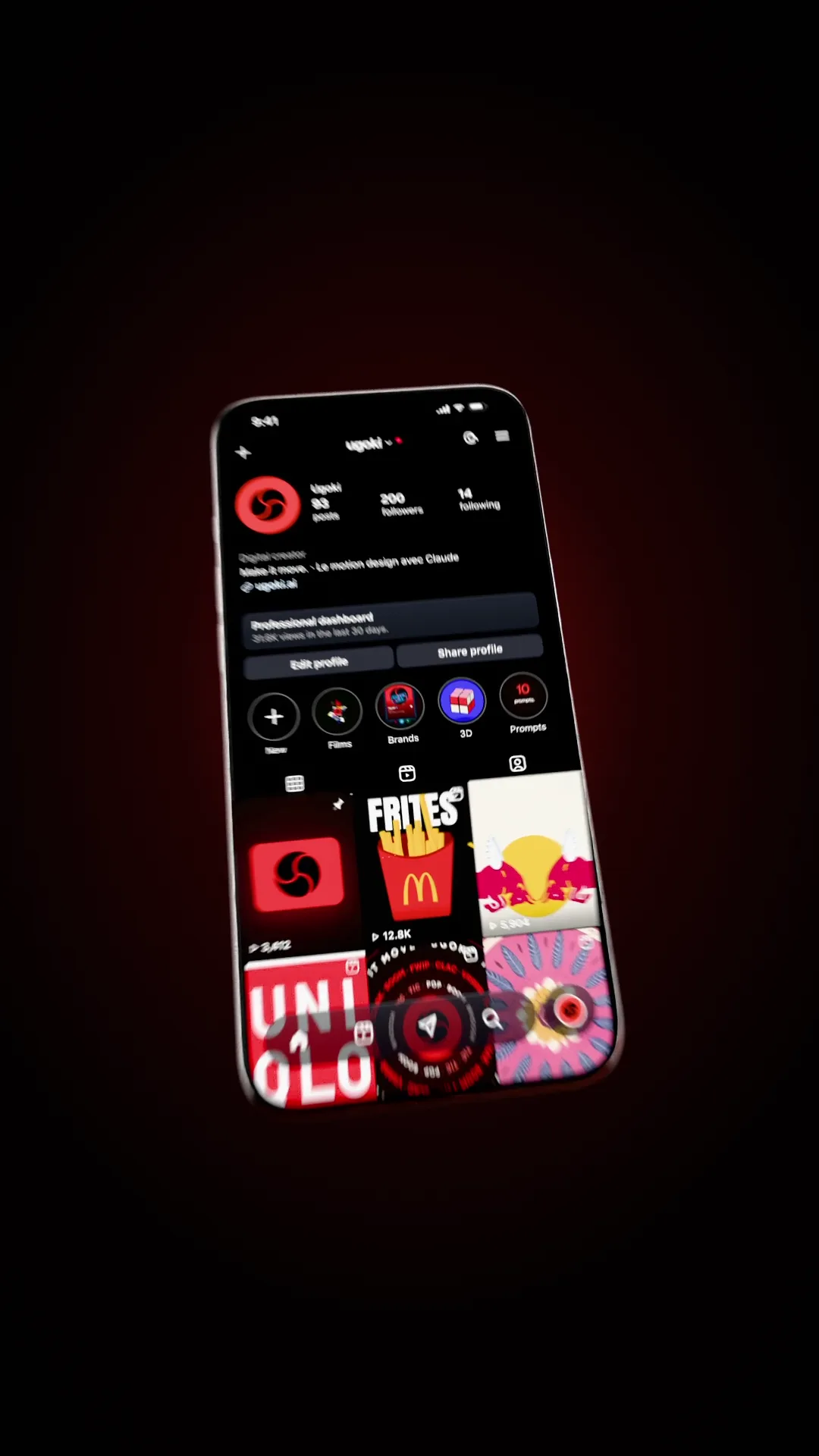
For film 94, Claude wrote a Blender script that renders an iPhone in Blender 4.5 LTS with Cycles, a physically based renderer, and puts our Instagram profile on its screen as an emissive texture. Depth of field, reflections and blur come from the renderer, not from a 2D trick. The 3D plates then go into Remotion for the kinetic type. The film is 468 frames at 30 fps, vertical 9:16.
A seamless loop in 3D: "HOW?"
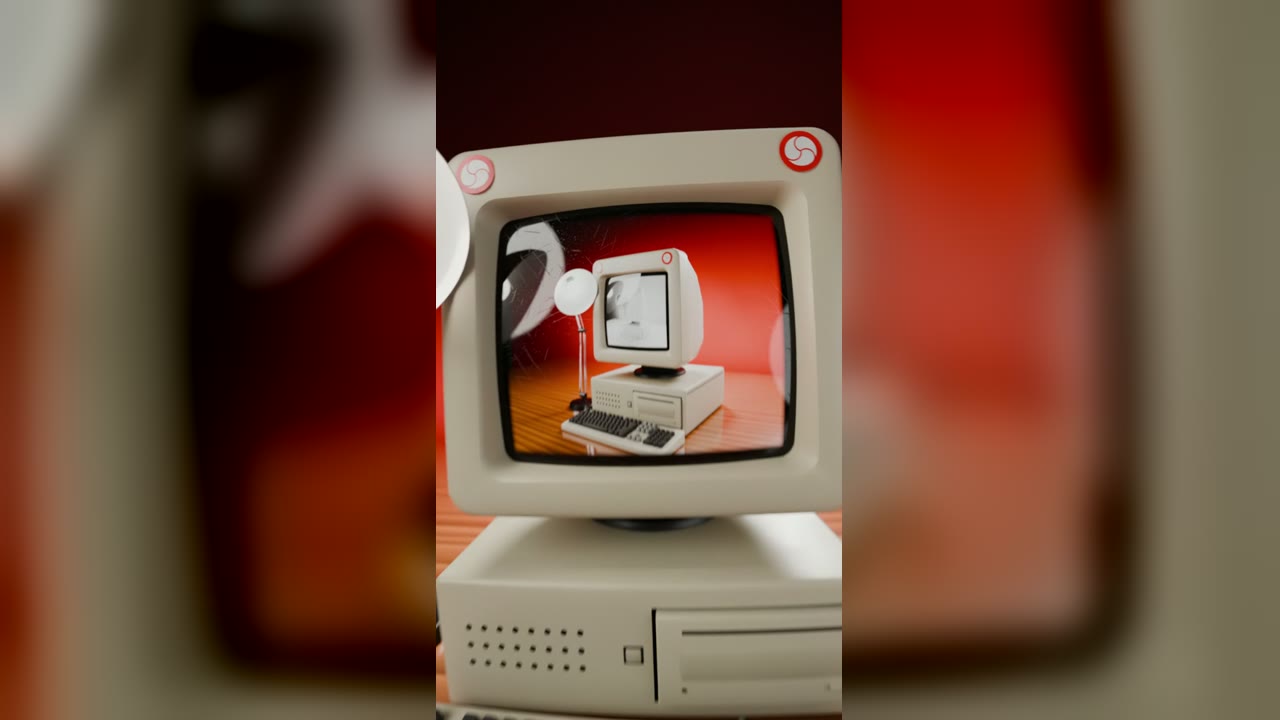
Film 107 is real 3D from start to finish: a retro desk built and animated by a Python script, rendered in Cycles, finished with ffmpeg. The camera dives into the O of "HOW?" and lands on the first frame again, picture and sound. Here is how its prompt describes the film:
The film is **real 3D**: a retro desk (beige computer, CRT monitor, keyboard, architect lamp) built and animated by a Python script in **Blender 4.5 LTS**, rendered in **Cycles**, then finished with **ffmpeg**. The CRT screen shows an animated texture made in **Remotion**.Where it struggles (honestly)
We've shipped enough films to know where this method breaks down. Four limits matter.
Filmed people. There's no camera and no actor in this pipeline. Code draws, Blender renders, but neither produces a believable human performance. When a film needs real people or real places, we put real photos and our own footage inside the code-built interface, with permission.
Complex real objects built from scratch. An early airline concept with a procedural 3D plane and globe was rejected outright, and we redid it in 2D. The lesson we wrote down: procedural Blender models of complex real objects (planes, cars) read cheap. Simple objects (bricks, a beige computer, a phone) work. For a car, we started from an existing 3D model instead.
Taste. Claude will happily ship something that is technically correct and visually flat. In our second series, half of the first versions (5 of 10 brands) came back as "too cheap": small UI lost in empty backgrounds, slow pacing, particle fog with no subject. The fix was a written quality bar in the brief, not a better model.
Hearing and watching. Claude can't watch a video or listen to a mix. It checks motion through stills at chosen frames, and it checks sound through waveform and spectrogram images and loudness measurements. That works, but only if you tell it which frames and which numbers to check.
 The prompt behind this filmMcDonald's · Come as you are.15,453 words, ready for ClaudeSee the prompt
Claude vs text-to-video models
Text-to-video models generate the pixels themselves from a prompt. Claude generates a project that renders pixels. That one difference decides which tool fits the job.
| Claude + code (Remotion, Blender) | Text-to-video model | |
|---|---|---|
| What you get back | Source files you can open, edit and render again | A rendered clip |
| Text, logos, brand colours | Exact: typed strings, official logo paths, hex values | Drawn by the model, so exact spelling and colour aren't guaranteed |
| Sync with sound | Locked to the frame: picture and sound read the same timeline | Depends on the model |
| Changing one word | Edit one string, re-render | Generate again |
| Realistic people and nature | Not its strength | Its home ground |
For brand motion design (UI, type, logos, product moments) we want the left column. For a shot of a person walking on a beach, we'd want the right one. They don't compete as much as people think.
What you need to make a video with Claude
- A Claude plan that includes Claude Code. Anthropic's setup page lists Pro, Max, Ultra, Team, Enterprise or Console accounts; the free claude.ai plan doesn't include Claude Code.
- Claude Code itself. On macOS or Linux, the official installer is one command (below). Claude Code needs macOS 13 or later.
- Node.js and Remotion. Remotion asks for at least Node 16 and, on a Mac, macOS 15 (Sequoia) or later. Its free licence covers individuals and companies of up to 3 people; bigger companies need a paid company licence.
- Blender, for real 3D only. Free and open source. Our two Cycles films use Blender 4.5 LTS, driven headless by Python scripts.
- ffmpeg, to extract frames, measure files and finish renders.
curl -fsSL https://claude.ai/install.sh | bash
npx create-video@latest
blender -b -P scene.py
The first line installs Claude Code, the second starts a Remotion project, the third is how a Blender script runs without the interface (-b for background, -P to run a Python file). In practice you don't type the last two yourself: Claude Code does.
The machine matters more than people expect. Ours is an Intel i9 with 16 threads and 64 GB of RAM, and it crashed the day seven agents rendered at once. Since then we run one final render at a time.
How long does it take?
It depends on whether the film already exists as a complete prompt.
Rebuilding from a full prompt is fast. We test every library prompt blind: a fresh Claude session gets only the prompt and the pack, nothing else. For McDonald's, it wrote about 1,400 lines of code, checked 28 stills in a single pass and rendered the film in 1 min 32. Compared frame by frame with our original, the median difference was 0.03 on a 0 to 255 grey scale, across all 870 frames.
An original film takes rounds. Our 94 reel went through a preview, three independent reviews (scored 6, 7 and 7.5 out of 10) and a fix after each one. The 2D render itself took about 4 minutes; the hours went into looking and correcting.
Real 3D takes nights. Film 107 at full resolution and 64 samples was estimated at 17 hours. We rendered it at 810 × 1440 with 32 samples, scaled up to 1080 × 1920: 3 h 32, overnight.
Where to start
If you want to see the method on a real film before writing your own, open the McDonald's prompt (our reference for 2D motion design) or the HOW? loop for Blender. Paste one into Claude Code with its pack and you'll watch the whole loop happen: code, stills, fixes, render.
For the full pipeline step by step, read Motion design with Claude Code, then the deep dives on Claude Code + Remotion and Claude Code + Blender. The library plans are on the pricing page, and the Academy teaches the method from zero.