In this article
- The film we are dissecting
- The 12 parts of the prompt, and where the words go
- Part 0: the rules come before the film
- Part 4: one timing table, in frames
- Parts 3 and 5: the design system, as numbers
- Part 7: every shot, frame by frame
- Part 8: sound written as a cue sheet
- Part 10: the self-check, because Claude cannot see the original
- Vague prompt vs our prompt
- The blind test: can someone rebuild the film from the prompt alone?
- How to adapt a prompt like this to your own brand
A motion design prompt that works is a spec: a timing table in frames, exact curves and springs, hex colours, a line-height for every text, a sound cue sheet and a self-check. Our McDonald's concept prompt is 15,453 words in English, and a fresh Claude session rebuilt the 870-frame film from it with a median difference of 0.03 out of 255.
A motion design prompt that works is a specification, not a wish. Ours give Claude every frame number, every curve, every colour, every sound cue and a checklist to verify its own render. The one we take apart here, for our McDonald's concept ad, is 15,453 words long, and a fresh Claude session with no other context rebuilt the 870-frame film from its original French version with a median difference of 0.03 on a 0 to 255 scale.
Below is the real structure of that prompt, part by part, with the reason each part exists. Everything quoted comes from the file we sell, not from a summary of it.
The film we are dissecting
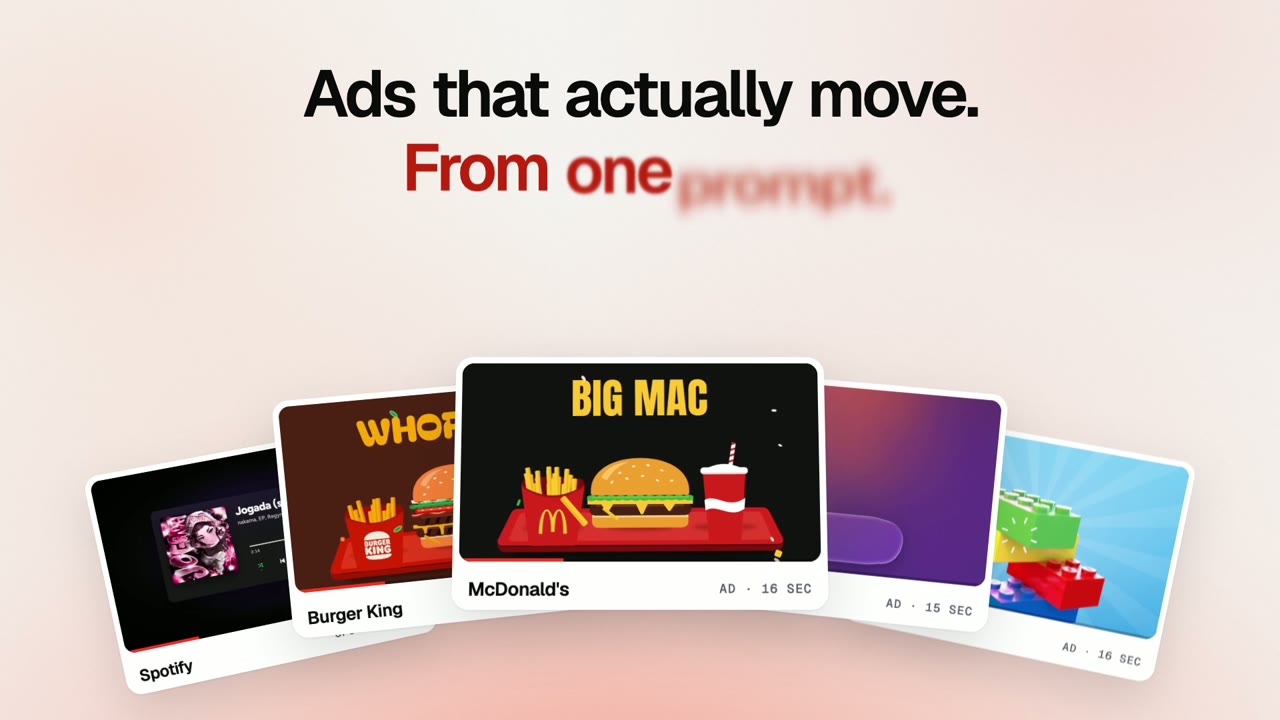
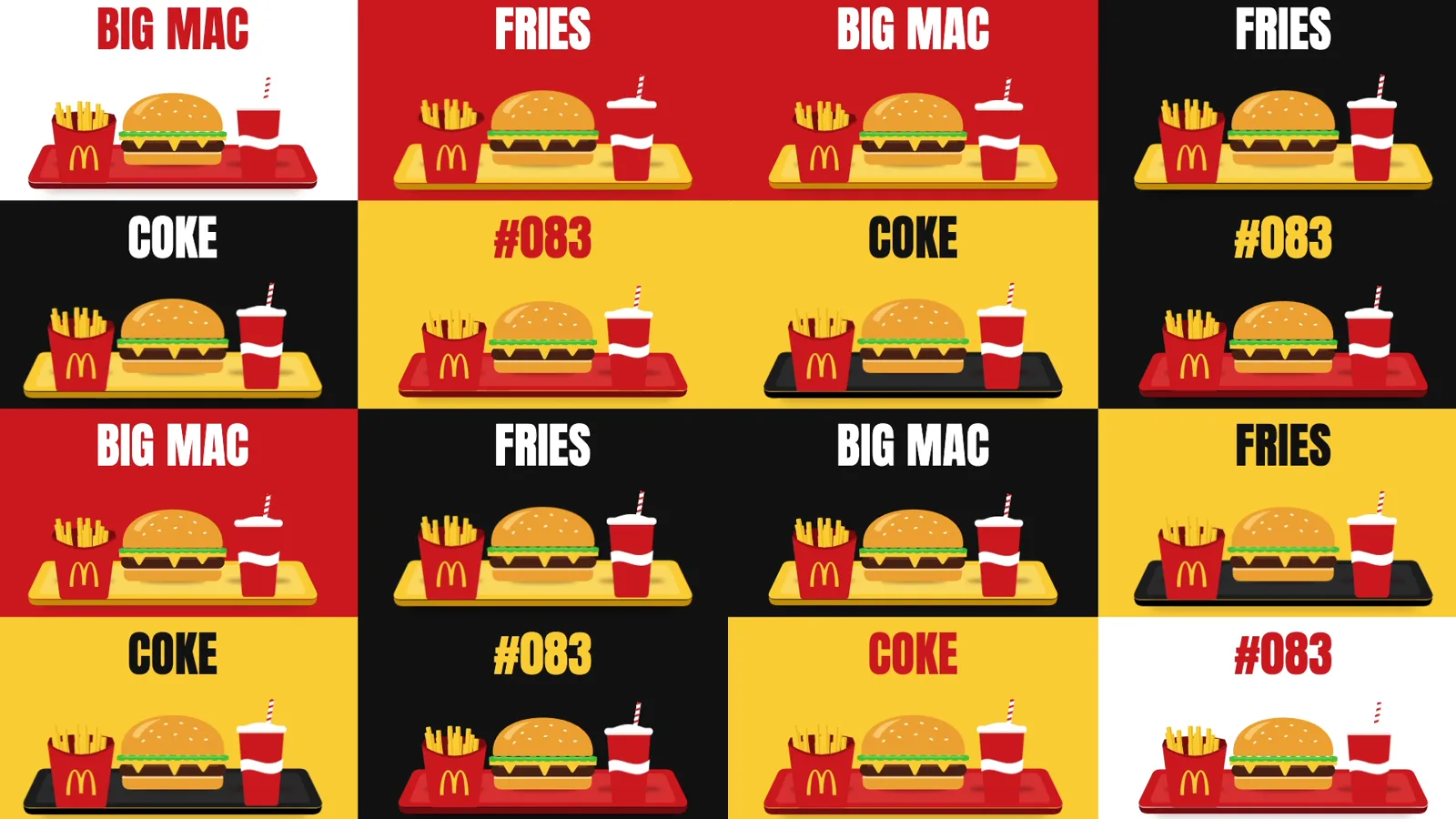
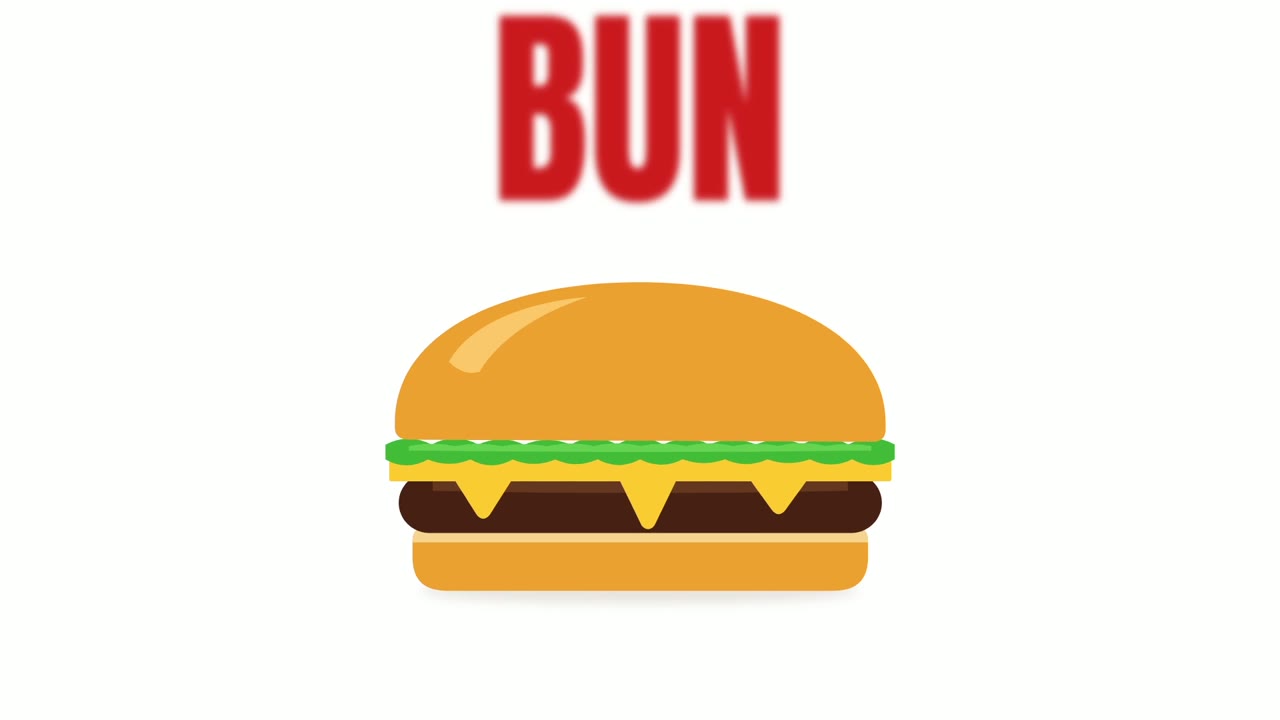
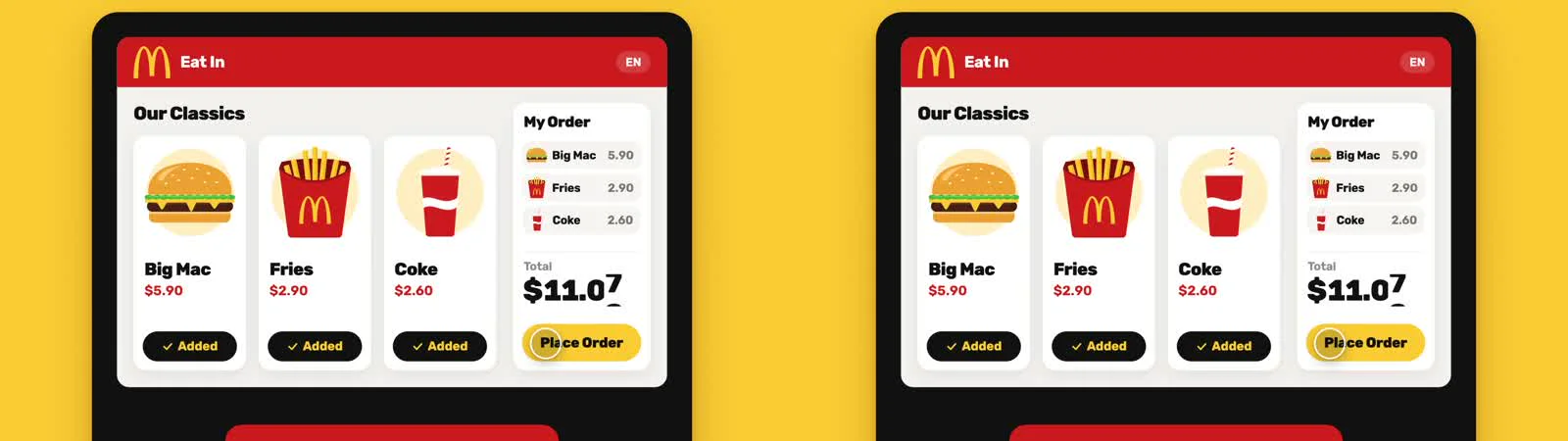
We picked film 15 because it is the reference of the studio: the ad that did best on our socials, and the pilot every other prompt in the catalogue was written against. It is a 1920 × 1080 Remotion film. An ordering kiosk takes an order, a receipt prints, a Big Mac falls layer by layer, the fries rain into their box, the screen goes silent for a second, then a pop-art drop multiplies the tray into a 4×4 grid before the logo lands.
Nothing is imported. The burger, the fries, the cup, the kiosk and the receipt are SVG and CSS. The sound is a single WAV made only of synthesised effects, no music, no voice. Everything sits on a 120 BPM grid, which at 60 fps means one beat every 30 frames.
That last sentence is the whole philosophy of the prompt. A film that is built on a grid can be described exactly. A film described exactly can be rebuilt exactly.
The 12 parts of the prompt, and where the words go
Every prompt in our library follows the same mandatory structure, fixed in our internal method file once this pilot had passed its test. Here is film 15, with the word count of each part measured on PROMPT.en.md (headings excluded).
| Part | Words | What it gives Claude |
|---|---|---|
| 0. Instructions for Claude | 403 | The rules of the job, and the implicit CSS rules of the original render |
| 1. What you are building | 376 | Format, fps, duration in frames, tech stack, a table of the 8 shots |
| 2. Setup | 542 | Remotion version, packages, fonts with weights and licence, logo path, sound files |
| 3. Design system | 1,469 | Palette in hex, type scale with a line-height for every line, curves, springs, shared functions |
| 4. Timing table | 153 | Every event of the film in frames, in one block |
| 5. Drawn objects | 2,219 | SVG paths and box sizes of the burger, fries, cup, tray, receipt, pager |
| 6. Root composition | 244 | Stacking order and the global camera |
| 7. Shots, frame by frame | 4,960 | Each shot as properties going from A to B between two frames on a named curve |
| 8. Sound | 3,309 | Mixing chain, synthesis recipes, the full cue sheet |
| 9. Render | 96 | The exact render command |
| 10. Self-check | 1,142 | 28 stills to compare, 5 spot colours, 5 key moments, every on-screen string |
| 11. Adapting to your brand | 393 | What to change and what never to touch |
Two things stand out. The shots take a third of the prompt, and the sound takes more than a fifth, which is more than the design system. And the timing table, the part everything else points to, is only 153 words. The heavy parts are heavy because they are full of numbers: about 13,400 words of the French original remain once the code blocks and SVG paths are taken out.
Part 0: the rules come before the film
The first thing Claude reads is not a description of the ad. It is how to behave.
**Golden rule: reproduce exactly, do not improvise.**
- Every number in this document is a production value. Do not round it, do not “improve” it, do not replace a curve with another one that “looks the same”.
This exists because a capable model left alone will make sensible choices, and sensible choices are what make AI animation look generic. It will round 0.16 to 0.2, swap a custom curve for ease-out, add a fade it thinks is missing. Part 0 forbids each of those by name: no grain, no vignette, no music, no legal disclaimer, no extra transition, no tool logo. When a value is genuinely missing, Claude must pick the most neutral option and report it rather than invent one quietly.
Part 0 also lists the implicit CSS rules of the original render: box-sizing: border-box everywhere, left/top meaning the top-left corner, transform origins at the centre of the box, line-height: normal when none is given, display: block on inline SVGs. None of this is visible in the film. All of it changes where things land. We learned that the hard way, in the blind test further down.
Part 4: one timing table, in frames
Seconds are too coarse for motion design. At 60 fps a beat is 30 frames, an eighth note 15, a sixteenth about 7.5, and a hit that lands two frames late is felt even if nobody can say why. So the whole film is a table of frame numbers that the prompt tells Claude to copy as is. Here is the second half of it.
fries  : box 450, fries [457, 465, 472, 480, 487, 495, 502, 510, 517, 525, 532]
breath : cut 540, buzz [555, 577], ready 570, out 592
drop   : hit 600, items [607, 615, 622], word 630, grid2 645, grid4 660, shift [667, 675], zoom 682, flash 690,
         strobe [630, 637, 645, 652, 660, 667, 675, 682]
logo   : draw 692, hit 720, words [735, 750, 765, 780]
Read it as a score. The fries fall on the eighth notes. The breather starts on a hard cut at 540, exactly on a beat. The drop hits at 600, which is 10.000 s. The four words of the slogan arrive every 15 frames. Every animation in Part 7 and every sound in Part 8 refers back to these names, so one source of truth drives picture and sound. If you change a number here, both move together.
Parts 3 and 5: the design system, as numbers
Adjectives are not transmissible. “Bouncy” means a different spring to every reader. So the design system is written as values Claude can paste:
- Six named curves as exact
cubic-bezier:E.outis (0.16, 1, 0.3, 1) and is the default for anything not specified;E.in(0.7, 0, 0.84, 0) is for exits;E.inOutfor travels. - Nine springs as {damping, stiffness, mass}, with control values: the giant-word spring must read 0.19, 0.58, 0.95, 1.17, 1.24 and 1.05 at frames 2, 4, 6, 8, 10 and 15. Claude can check its implementation with a ten-line script before rendering anything.
- A palette in hex, including the interface greys of the kiosk, and the brand red #DA291C and yellow #FFC72C, not the slightly different yellow suggested by the icon library.
- A type scale with size, line-height, letter-spacing and colour for every text, down to “Order up.” in Rubik 700 at 84 px and −0.03em.
- Shared functions defined once (
prog,sp,pulse,boing,fall) and a one-line deterministicrand, so the 46 confetti of the drop land in the same place on every render.
Part 5 then gives the drawn objects as data: the SVG paths of the burger layers, the fry box, the cup, with box sizes. Drawing data is the only raw “code” the prompt pastes, together with rand and the render command. Everything else is prose, tables and formulas.
Part 7: every shot, frame by frame
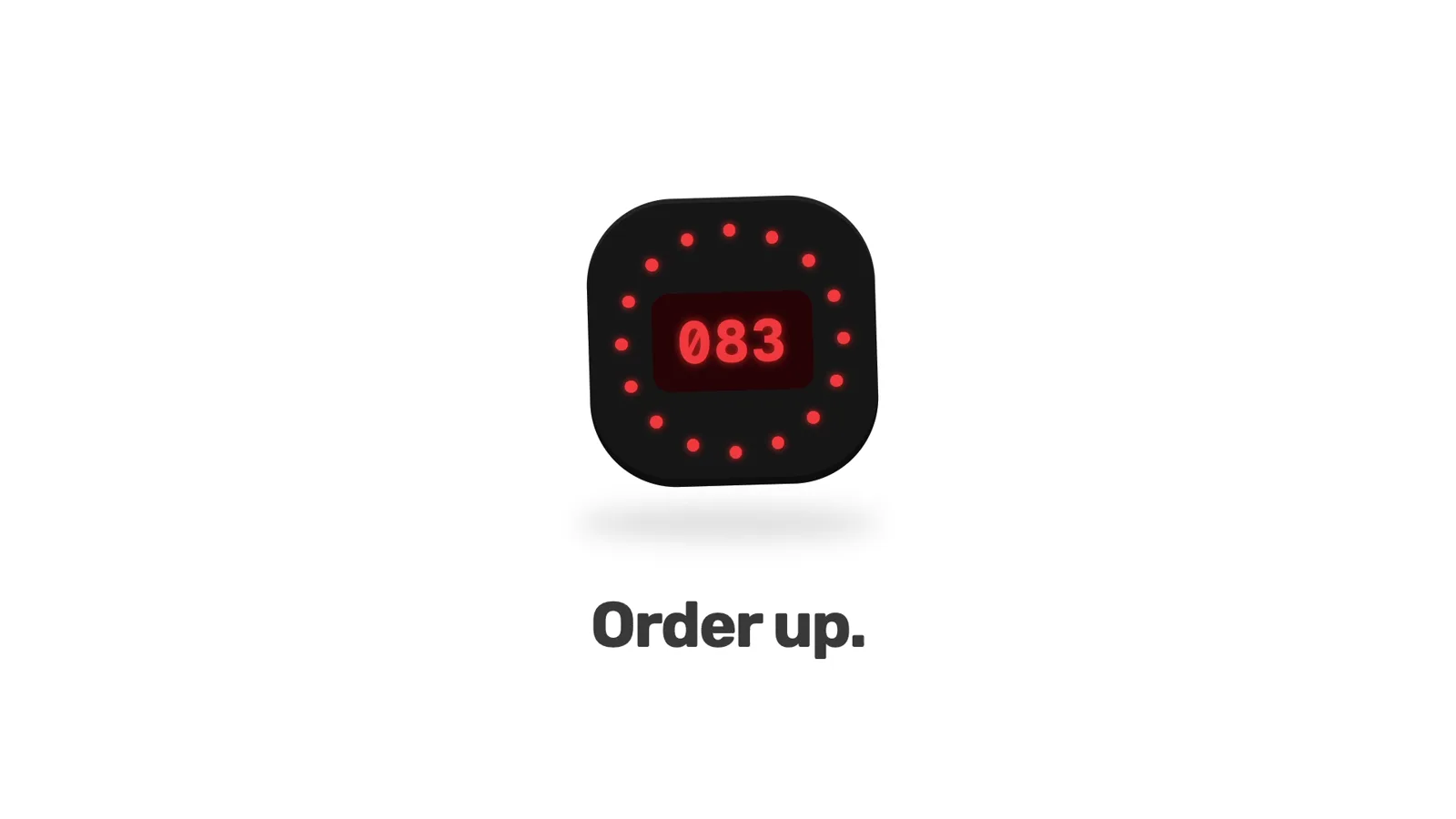
Part 7 is 4,960 words because it describes each of the 8 shots the same way: the coordinate space in use, the elements from back to front, and for each animation the property, its start and end values, its start and end frames, and its curve. Shot 6, the breather, is a good example of how small a moment can be and still deserve a paragraph. Hard cut at 540 to a white background. A pager vibrates on two buzzes, at 555 for 14 frames and at 577 for 10, alternating up to 9 px and 2.4° from one frame to the next, fading with each buzz. “Order up.” arrives at 570 on its own spring, starting blurred and sharpening as it settles.
The prompt also says what each element looks like before its time, which is where most rebuilds go wrong. A slogan word before its frame is a plain span at opacity 0, with no transform and no inline-block, so the sentence stays centred on its final width from the start. Leave that out and the line jumps sideways as each word pops in.
It even lists the quirks of the original as intended. The sesame pops in the sound fall at 420 and 427 while the seeds appear at 421 and 429. Write that down, or Claude will helpfully “fix” it and the film will no longer match.
Part 8: sound written as a cue sheet
Sound is where most AI videos give themselves away, so it gets 3,309 words. The principle fits in two lines of the prompt:
- **No music, no voice**. Only synthesized sound effects, each one locked to a frame of the timing table (frame/60 = seconds). Each material has its own sound: kiosk glass, thermal paper, cardboard, plastic, soft bun, crunchy lettuce, ice cubes.
- Intended silence from **9.010 s to 9.880 s** (shot 6): only the pager and the drop's suction exist there.
Then comes the cue sheet: frame, time, name, bus, gain in linear and dB, pan, reverb send and the synthesis recipe for each sound. We did not type it by hand. We re-ran the film's mixing script, checked that its output was identical to the original WAV down to the bit, then wrapped the function that places each sound so it logged every call. That gave 142 placements, all exact.
The prompt gives two paths. Path A: you have our pack, you copy the WAV, and the sound is identical. Path B: Claude writes the synthesis script from Part 8. It sounds the same to the ear, but the random noises differ, so it is not bit-identical. Being honest about that difference is part of the spec.
 The prompt behind this filmMcDonald's · Come as you are.15,453 words, ready for ClaudeSee the prompt
Part 10: the self-check, because Claude cannot see the original
The reader of the prompt has never seen our film. So the prompt gives it ways to compare without watching:
- Format:
ffprobemust count 870 frames, H.264, BT.709, AAC at 48 kHz. - 28 stills, each with a description of what must be on screen at that exact frame.
- 5 spot colours: the average of a 4 × 4 px square at (20, 20) on frames 5, 130, 520, 640 and 800, within ±2 per channel.
- 5 key moments checked in picture and sound, such as frame 600, “the strongest attack in the file”.
- Numeric checks where the eye fails: the rolling total reaches exactly 1140 cents at frame 213, but it already reads “$11.40” at 212, so the prompt says to check the value, not the picture.
This is the part people skip when they write their own prompts, and it is the reason ours converge in one pass. A self-check turns “does it look right?” into a list of facts Claude can verify and fix before telling you it is done.
Vague prompt vs our prompt
In one of our tutorials we use a real example of the prompt most people start with: “Make an ad: premium, dynamic, Apple style.” Here is what each of those words becomes in a prompt that actually controls the result.
| Vague prompt says | Our prompt says |
|---|---|
| “Dynamic” | 120 BPM, 1 beat = 30 frames at 60 fps; every cut, impact and appearance on the table of Part 4 |
| “Smooth animations” | E.out = cubic-bezier(0.16, 1, 0.3, 1) by default; springs as {damping, stiffness, mass} with control values |
| “Brand colours” | #DA291C, #FFC72C, #111111, plus 13 named shades and 6 drop palettes |
| “Bold typography” | Anton 400, 230 px / 276, 0.005em for the burger words; a line for every text |
| “Epic music” | No music. 142 placed sound effects, one material per sound, silence from 9.010 s to 9.880 s |
| “Make it look professional” | 28 stills, 5 spot colours, 5 key moments to check before saying “done” |
The blind test: can someone rebuild the film from the prompt alone?
A prompt that only works for the person who wrote it is a note, not a product. So every prompt we sell went through a blind test before going on sale. A new Claude Code session plays the client: it gets PROMPT.md (our French master, of which the English file is a checked translation) and the pack, and is forbidden to read anything else in the studio, not the film, not our code, not our notes. It builds the film, renders it, runs Part 10, and writes a report listing every ambiguity it hit and the choice it made. We then compare its render with the original, frame by frame, with a script that measures the mean pixel difference on downscaled greyscale frames.
For film 15, the tester worked about 24 minutes, including roughly 10 minutes waiting for its turn on the shared render queue. It wrote around 1,400 lines of code, rendered once in 1 min 32 s, and needed no visual correction. Result: 870 frames out of 870, median difference 0.03, zero isolated spikes. The only visible gap sat on frames 720 to 725.

The tester listed 17 ambiguities. Each became a correction in version 2 of the prompt: a still description that contradicted its own formula, anchors that did not say corner or centre, missing line-heights, the order of drawing inside the arches. Another tester read rand(4,7i) as a function with two arguments because the prompt used a French decimal comma. Since then every formula in every prompt uses a decimal point.
All 30 prompts of the catalogue went through the same test before going on sale, our two Blender films included (rendered at reduced quality for the test). On the 29 prompts validated on 14 November, the full-film comparisons gave medians from 0.00 to 0.28 (film 107 was checked on 27 key frames instead). Only the PayPal and Figma prompts (20,454 and 22,716 words in English) had frames scoring above 1, and the reasons are written into their notes.
How to adapt a prompt like this to your own brand
Part 11 of every prompt is the answer, and its first rule is the one people break: keep the skeleton, change the clothes. For film 15 that means:
- Do not touch the timing table, the springs or the curves. They are why the ad feels like it does. Change them and you are writing a new film.
- Swap the logo for your own SVG in the same 24-unit space, and draw a centre line that runs through it in a single continuous stroke. Without one stroke, the marker drawing of shots 1 and 8 cannot work. Use your symbol, not your written name.
- Swap three colours: the red, the yellow and the ink, then derive the darker shades at −20 % and −40 % lightness. The grid of shot 7 only works with three bold colours that answer each other.
- Swap the products for three flat SVGs in the same boxes (652 × 432, 420 × 470, 300 × 520). Shot 4 needs a product that stacks in five layers, because five layers are five beats: a sandwich, a cake, a pile of folded clothes.
- Rewrite the texts to the same lengths: words of 7 letters or fewer for the falling layers, a slogan of exactly 4 words so it keeps its 4 sound pops.
- Change the material of the sound, not its structure: a coffee machine instead of the fryer, your object's knock instead of the burger thud. Keep the gains, the silence and the two big impacts at 10.000 s and 12.000 s.
- Remove the original brand completely: its logo, name and slogan are registered trademarks.
If you want to write your own prompts from scratch, the method is the same as above, in the same order: decide the grid, write the timing table, express every look as a value, describe the state before and after each event, write the sound as cues on the same table, then give Claude a self-check. Module 2 of the Ugoki Academy teaches the motion side of it, and the full prompts are in the library, from 12,331 to 26,016 words each in English. Plans are on the pricing page.