In this article
- What our Remotion engine looks like
- Step 1: one folder, one prompt
- Step 2: Claude writes the film as code
- Step 3: look at the frames before rendering
- Step 4: the render command we actually use
- Step 5: check the MP4, not the preview
- Five pitfalls that cost us real hours
- Remotion licence: check it before you sell
- Where to start
Claude Code writes the film as React code, Remotion renders every frame, FFmpeg encodes. What makes it work in production: one timeline file shared by picture and sound, stills checked before rendering, --color-space=bt709, a minimal --public-dir, and concurrency 2 for anything with WebGL.
Claude Code and Remotion turn a written brief into a finished MP4 because Remotion treats a video as a React component: Claude writes the code, Remotion renders every frame in a headless browser, and FFmpeg encodes the result. That is how we make every 2D film in our studio, and below is the exact chain we run, with our real commands, our real numbers and the five pitfalls that cost us the most time.
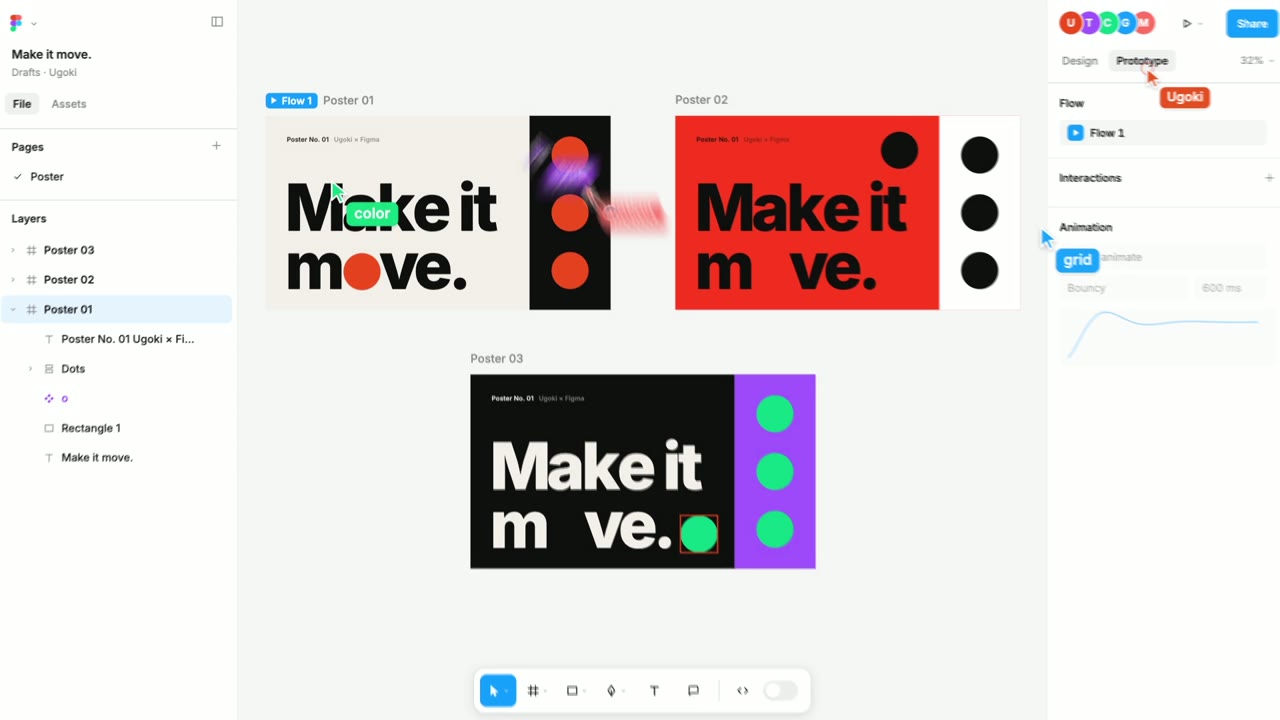
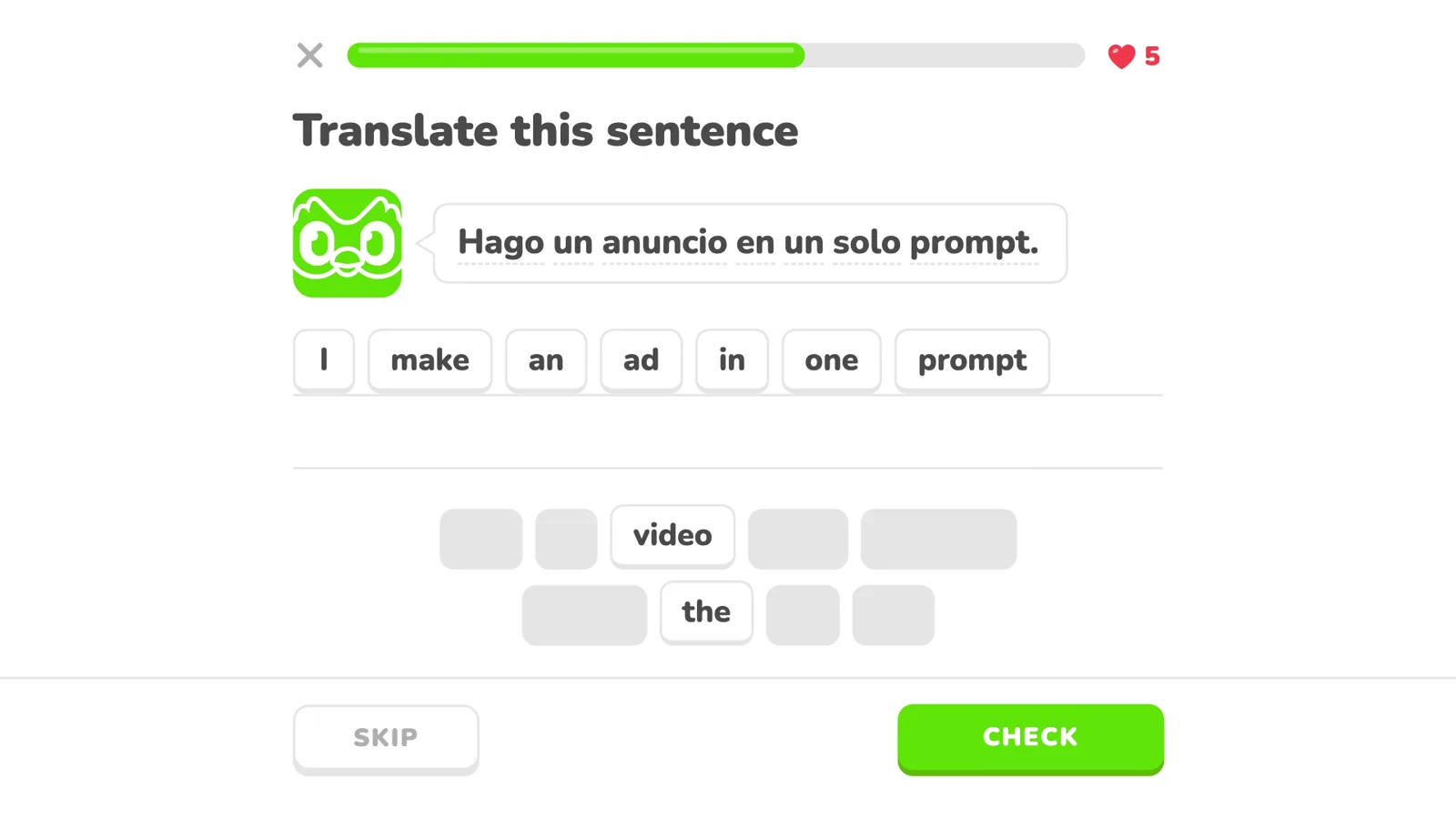
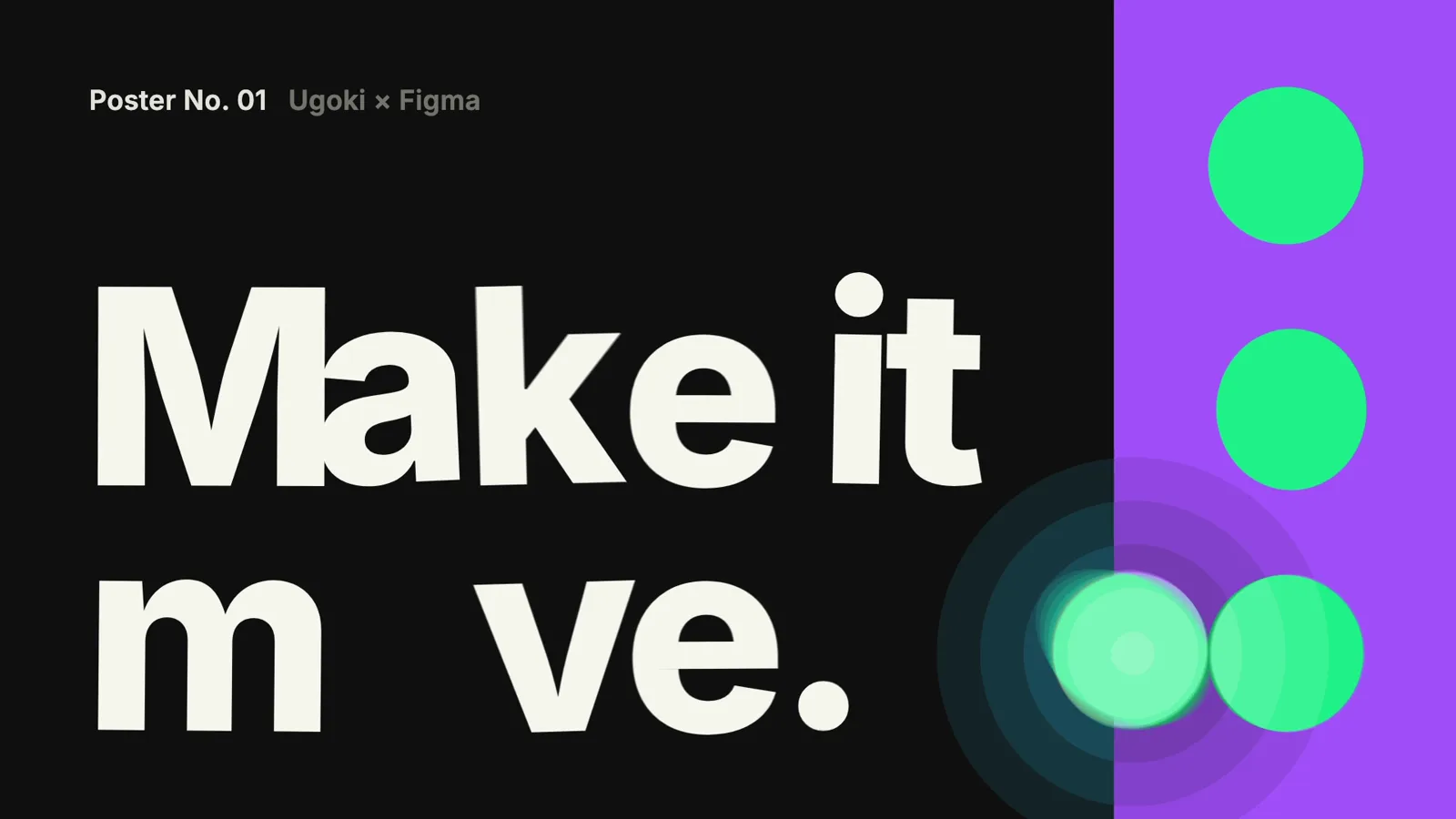
Everything here comes from our own Remotion engine: the folder that produced our PayPal, Figma, Duolingo and kinetic type films. Our brand films are unofficial concepts: no brand commissioned them.
What our Remotion engine looks like
The studio is a single Remotion project pinned to remotion 4.0.532 with React 19.3.0. Its remotion.config.ts holds five settings: JPEG frames at quality 95, overwrite on, the angle OpenGL renderer and a default concurrency of 8 that every final render overrides.
The choice that matters most is the entry point. We do not register every film in one root. src/entries/ holds 190 entry files, one per film or variant, and each registers a single composition:
import { Composition, registerRoot } from "remotion";
import { PayPal, PAYPAL_DURATION } from "../videos/PayPal";

const Root: React.FC = () => (
  <Composition id="PayPal" component={PayPal} durationInFrames={PAYPAL_DURATION} fps={60} width={1920} height={1080} />
);
registerRoot(Root);
Rendering src/entries/paypal.tsx bundles the PayPal film and nothing else. When several agents work on several films in the same project, one broken import in another film cannot stop your render.
Each film lives in src/videos/<Name>.tsx plus a folder of scenes. Our PayPal concept has six scene files (Hook, Words, Send, Rush, Drop, End), a theme file and a timeline.json. That last file is the score of the film.
Step 1: one folder, one prompt
If you are starting from zero, Remotion's own documentation gives the setup for Claude Code. We checked it on remotion.dev on 16 November 2026:
npx create-video --yes --blank my-video
cd my-video
npx remotion skills add
npm run dev
# in a second terminal, same folder
claude
Then the prompt. This is where most "Claude + Remotion" tutorials stay vague, and where the result is decided. Ours are long: the English prompt for the PayPal film is 20,454 words, Figma 22,716, the kinetic type film 23,630. They do not say "make a cool ad". They give every timing in frames, every colour in hex, every easing curve, the order of work, and how to render. Here is a real excerpt from the render section of film 38:
- `--color-space=bt709` is mandatory: without it, the red #FF3B1F drifts on some players.
- `--image-format=png` avoids JPEG artifacts on the gradients and flat fills.
- **`--concurrency=2` at most**: with 4 tabs in parallel, about one frame in 4 comes out **without the glass** (the glass engine's WebGL2 context is lost). If you see the bar disappear on an isolated frame, lower the concurrency.
Every line of that excerpt is a bug we hit once. The prompt carries the fix so the next render does not hit it again.
Step 2: Claude writes the film as code
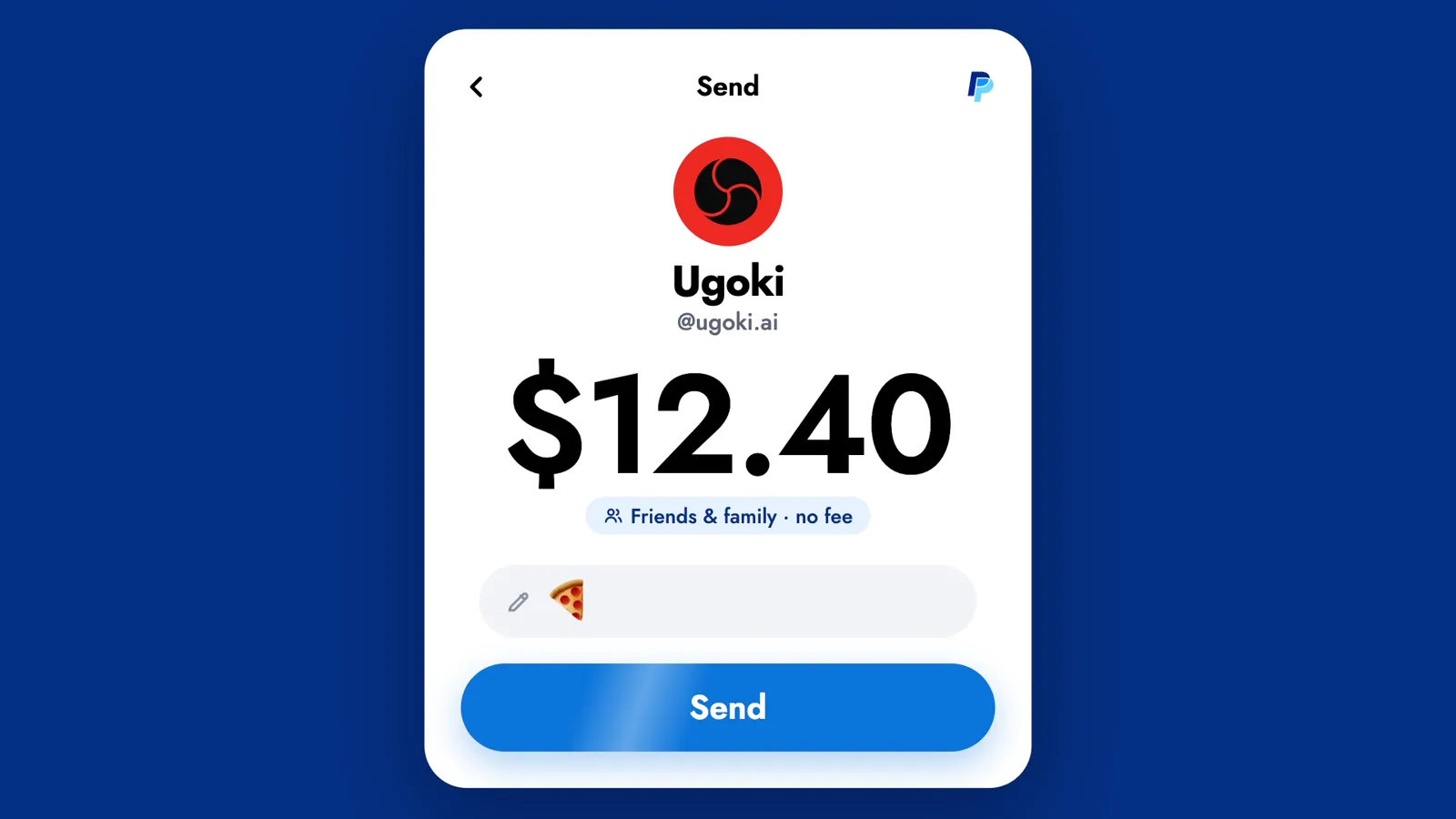
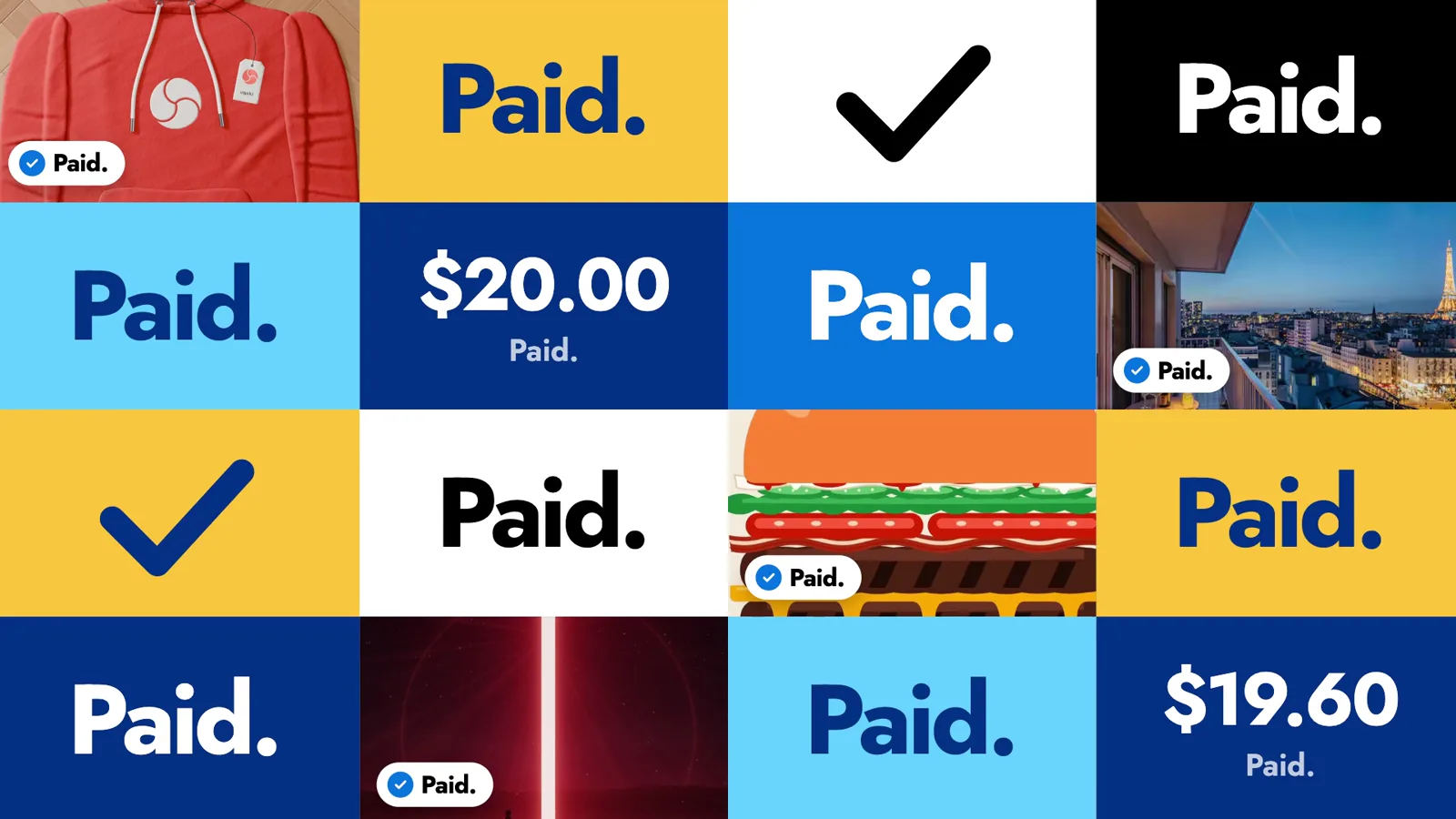
Claude Code reads the brief and writes the components. For the PayPal film, that means an iMessage thread, a payment card whose amount is typed in key by key, a light stroke that draws the logo, a burst of payment tiles and a grid that flips back to the start. All of it is HTML, SVG and CSS driven by useCurrentFrame(). No screenshots of the app: the interface is rebuilt.
The trick we would keep if we had to drop everything else: one timeline file shared by picture and sound. The PayPal timeline.json starts like this:
{
  "dur": 1020,
  "bpm": 120,
  "hook": { "header": -16, "bubble": -5, "notif": 1, "reply": 40, ... },
  "words": { "at": [120, 135, 150, 165, 180], "out": 206 },
The React scenes import it. A Python script, scripts/sfx_paypal.py, reads the same file and places each of the film's 52 synthesized sound effects on those frames. Move the word "send" by four frames and the whoosh moves with it. Nothing drifts, because there is only one source of time.
The same pattern holds when a film mixes in 3D. In our Duolingo film, the UI is code and a treasure chest is a sequence of 120 transparent frames rendered in Blender, which Remotion plays like any other layer.
Step 3: look at the frames before rendering
A model that writes animation code without looking at the result is guessing. We make Claude render stills and contact sheets, then open them as images and compare them with the brief. Our prompts give the command:
npx remotion still src/index.ts PayPalEN out/f<N>.png --frame=<N>For motion, a single still is not enough. A contact sheet at one frame per second shows the whole structure at once: if a scene is empty for two seconds, or the loop does not land on frame 0, you see it in one glance.
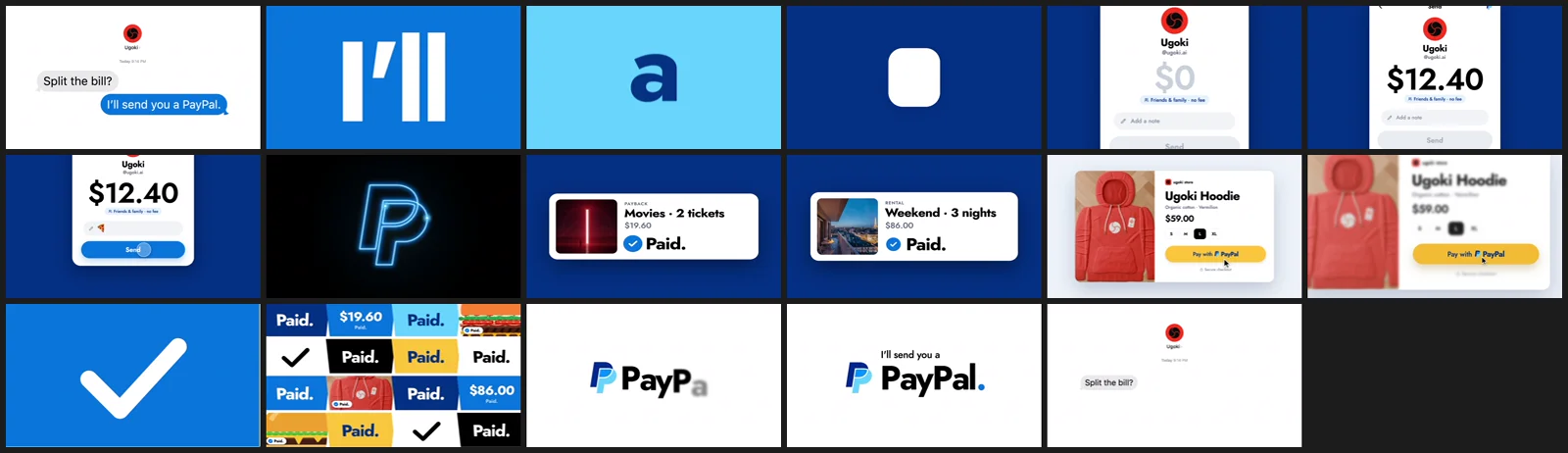
We iterate at least three times on stills and sheets before a full render. Previews run at half scale: --scale=0.5 --concurrency=2 with a JPEG CRF 23 encode, which is enough to judge timing.
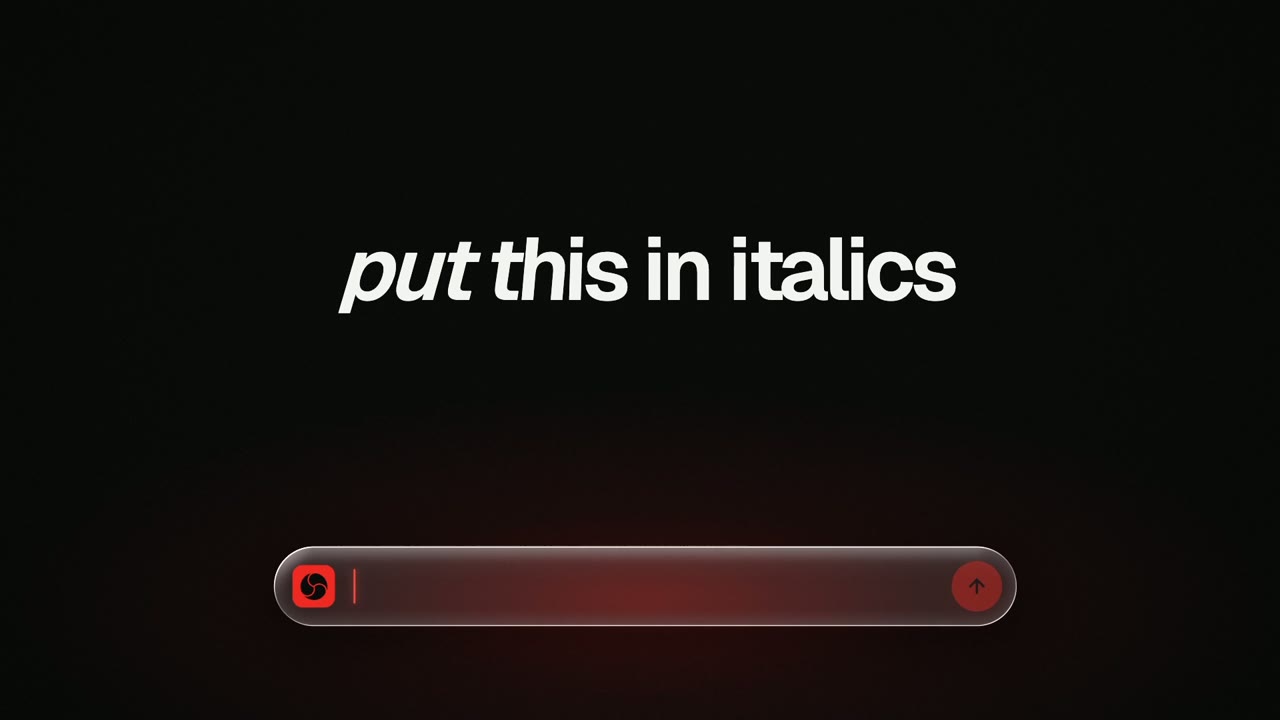 The prompt behind this filmUgoki · make your brand move23,630 words, ready for ClaudeSee the prompt
Step 4: the render command we actually use
This is the final render line from the prompt of film 38, the kinetic type film with a liquid glass bar:
npx remotion render src/index.ts UgokiPromptEN out/38_Ugoki_LePrompt_EN.mp4 \
  --codec=h264 --crf=10 --x264-preset=slow --image-format=png \
  --color-space=bt709 --concurrency=2 --gl=angle
Inside the studio, our render scripts add three flags and two steps. Here is the core of one of them, final.sh, unedited:
caffeinate -i nice -n 15 npx remotion render src/entries/serie11-86.tsx Tuto86Ombre $V \
  --codec=h264 --color-space=bt709 --muted $ARGS --public-dir=$D/pub --bundle-cache=false >> $LOG 2>&1
node out/serie9/t7678/clean_bundles.mjs serie11-86 --since=$T0 >> $LOG 2>&1$ARGSholds the quality flags of each mode. Careful: this script dates from 24 October, four days before pitfall 3 below, and its HQ mode still says--concurrency=4. Film 86 uses our glass effect, so today we render it at--concurrency=2, like every WebGL film.--muted: we render picture only, then mux the mix with FFmpeg (-c:v copy -c:a aac -b:a 320k -ar 48000). Re-mixing the sound never costs a re-render.--public-dirpointing at a folder holding only this film's assets. Pitfall 2 below explains why.--bundle-cache=falseplusclean_bundles.mjs, which deletes only the bundles this render created.nice -n 15andcaffeinate: the Mac stays usable and does not sleep halfway through a night render.
Step 5: check the MP4, not the preview
A preview that looks right does not prove the final file is right. The renderer runs several browser tabs in parallel, and a defect in one tab shows up as one bad frame every N. You will not see it at playback speed. We measure it:
ffmpeg -i hq.mp4 -vf "signalstats,metadata=print:key=lavfi.signalstats.YDIF:file=ydif.txt" -f null -YDIF is the average luma change from one frame to the next. A smooth camera move draws a smooth curve. A hard cut is one spike. A spike every fourth frame is a render bug. For films with the glass engine we also run stagecheck.py, a 15-line script that crops a patch where the glass should be and lists every frame where it is missing.
Five pitfalls that cost us real hours
1. Colours shift in QuickTime and in other players
The fix has two halves. Every render now carries --color-space=bt709. The 50 MP4s already delivered were not re-encoded: we re-tagged them in place, so players decode them with the matrix they were actually encoded with:
ffmpeg -i in.mp4 -c copy -bsf:v h264_metadata=colour_primaries=1:transfer_characteristics=1:matrix_coefficients=6 out.mp4Remotion's CLI documentation now says the default becomes bt709 from Remotion 5.0. On version 4, pass the flag yourself.
2. The render that filled the disk
On 9 October 2026 the Mac had 194 MB of free disk. The temp folder held about 95 remotion-webpack-bundle-* folders of about 5 GB each. Every render or still with --bundle-cache=false copies the whole public/ folder into a new bundle, and ours weighed about 4.2 GB because it holds the assets of every film. Killed or failed renders left their copy behind.
The fix: for each film, copy (or hard-link) only its own assets into out/<name>/pub/<name>/ and pass --public-dir=out/<name>/pub. The bundle drops to a few MB. Then delete your own bundle after the render, and only yours: other agents may be rendering from theirs.
3. One frame in four without the glass
Our liquid glass effect is a WebGL2 component (LiquidGlass). On 28 October 2026, the high-quality render of our film 95 at --concurrency=4 came out with every fourth frame missing the glass and its halo: one of the four render tabs lost its WebGL context. Frame-to-frame YDIF had a median of 3.65 instead of 0.85. Switching the GL backend to angle did not help. At --concurrency=2 the render was clean: 15 minutes for 2,804 frames.
Rule since then: any film with WebGL renders at concurrency 2, and every high-quality file goes through the frame check above.
4. Seven renders at once crashed the Mac
On 6 October 2026 seven agents rendered previews and finals in parallel on our Intel Core i9-9980HK (16 threads, 64 GB). The load average reached about 50 and the machine went down. Since then: previews at concurrency 2, one final render at a time, and a shared lock script (render-lock.sh) that lets at most one Remotion render and one Blender render run together, first come first served. A second lesson from the same day applies to anyone running agents: never kill processes by pattern. An agent's pkill -f "cat" matched every app path containing "/Applications" and closed them all. Kill only the PIDs you launched.
5. Text measured before the font loaded
Some layouts depend on measured text: centring a giant word, placing a dot exactly after the last letter. In our Mastercard concept, "priceless." was first measured before Albert Sans had loaded, so the browser measured it in Times and the letters overlapped. The fix is to block the frame until the font is ready, then measure:
// condensed from src/videos/mastercard/layout.ts
const [handle] = useState(() => (cache ? null : delayRender("mastercard: priceless font")));
useEffect(() => {
  markReady() // = loadFont(...).waitUntilDone()
    .then(() => document.fonts.load(`500 ${PL_SIZE}px "${MARK}"`, WORD))
    .then(() => { cache = measure(); setL(cache); if (handle !== null) continueRender(handle); });
}, []);
waitUntilDone() comes from @remotion/google-fonts and returns a promise that resolves when the font is loaded. Our prompts go one step further: they give the measured widths as constants, so a buyer's machine never has to measure at all.
Remotion licence: check it before you sell
Remotion has its own licence. Its pricing page (read on 16 November 2026) says the Free License is "for individuals and companies of up to 3 people", with commercial use allowed under its terms, and that a Company License is "required if you do not qualify for the Free License". Paid plans are listed per seat or per render. If you make ads for clients with a team larger than three, read remotion.dev/docs/license/pricing before your first invoice.
Where to start
The fastest way to see whether this chain works for you is to run it on a film that already works. Each film page has the full prompt and the pack it needs: PayPal, the kinetic type film, Figma or Duolingo. Paste the prompt into Claude Code in an empty folder, let it build, then compare its frames with ours. Plans are on the pricing page, and if you want the method behind the prompts, from the first install to selling your ads, it is in Ugoki Academy.